CHOOSE THE RACK THAT FITS THE SHOW
Start with the role the rack needs to play. The final hardware, I/O, computer path, and accessories can be adapted after the first conversation.
PLAYBACK / REDUNDANCY
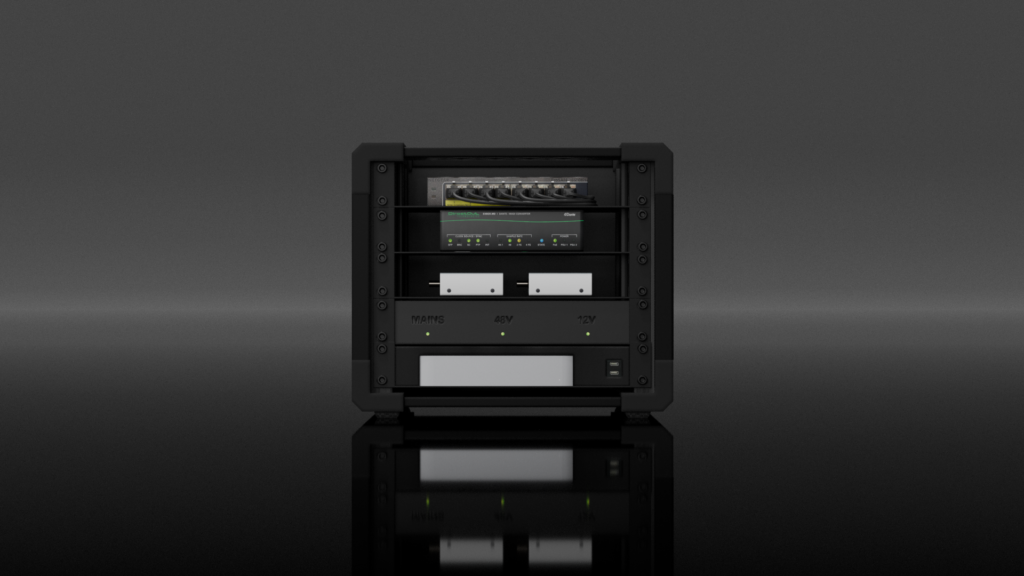
Performance Racks
For playback-heavy shows that need a reliable technical backbone.
- Playback control
- Timecode / sync
- Redundant computer options
ARTIST PROCESSING
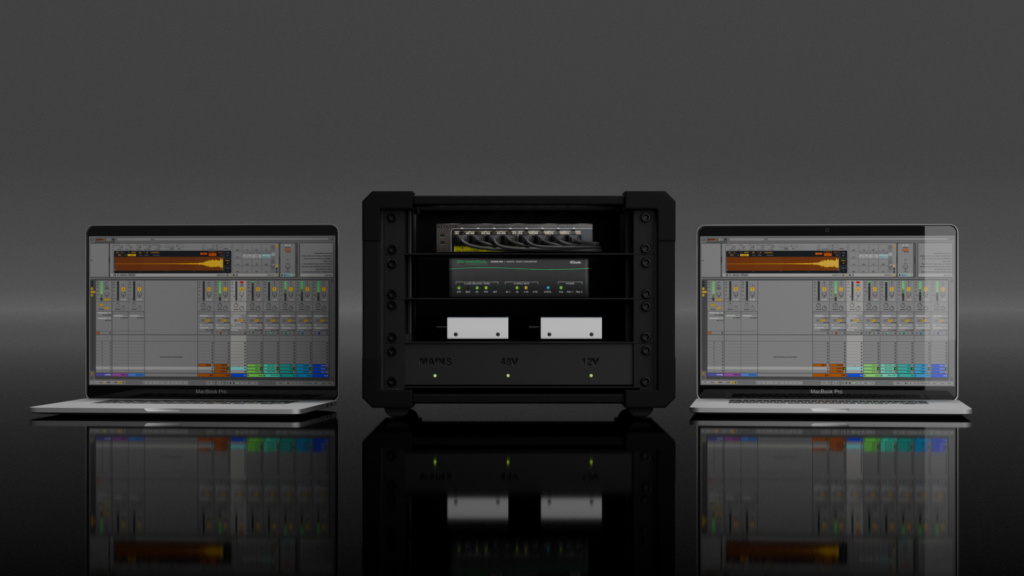
Vocal Racks
For artists who need consistent vocal processing and clean stage routing.
- Vocal processing
- Tour-friendly patching
- Compact or drawer variants
ALL-IN-ONE SYSTEM
Band-in-a-Box
For acts that want the live technical backbone centralized in one rack.
- Playback + control
- Routing and I/O
- Crew-friendly handoff
LISTENING / DISTRIBUTION
Monitoring Racks
For stage or side-stage monitoring workflows that need clean distribution.
- Analog or Dante paths
- Fast deployment
- Clear I/O layout
RF / RECEIVERS
Mic Receiver Racks
For wireless receiver systems that need organized power, antenna, and outputs.
- Receiver-focused layout
- Patchable outputs
- Serviceable wiring
SIMPLE / SPECIFIC
Utility & One-Line Racks
For one focused task, performer, device chain, or compact technical problem.
- 2U-style options
- Single-purpose builds
- Minimal and clear
FEATURED DIRECTION
CHOOSE YOUR STARTING POINT
Start with the level of help you need: a clean enclosure, a proven CLR configuration, or a fully custom system built around your show.
Talk through your setupEmpty Racks
Best when your team already knows the gear and needs a compact professional chassis.
Pre-designed Racks
Best for common playback, control, monitoring, vocal, and I/O workflows.
Custom Racks
Best for unique show requirements, touring constraints, existing gear, or future expansion.
COMPUTER CONFIGURATION MATRIX
CHOOSE THE COMPUTER PATH
Playback and performance racks can be simple or redundant. We recommend the path after reviewing the show, software, interface choice, operator workflow, and budget.
| Path | Typical configuration | Best when |
|---|---|---|
| Redundant embedded | 2 × embedded Mac mini | The show needs a compact, self-contained redundant playback core with minimal laptop handling. |
| Hybrid redundant | 1 × embedded Mac mini + 1 × laptop | You want one computer protected inside the rack while keeping a familiar laptop as the second system. |
| Laptop redundant | 2 × laptops | The production already owns or travels with laptops and wants the rack to organize interfaces, power, switching, and I/O. |
| Single embedded | 1 × embedded Mac mini | The setup should be compact, clean, and repeatable without full redundancy. |
| Single laptop | 1 × laptop | The simplest path for smaller shows, programming rigs, rehearsals, or artists who prefer bringing their own computer. |
FAQ
QUICK ANSWERS BEFORE WE TALK
Are these only for playback?
No. Playback is one major use case, but the rack platform can support vocal processing, MIDI/control, monitoring, mic receivers, studio portability, or fully custom show systems.
Can I use my own gear?
Yes. Many builds are designed around equipment an artist or production already owns. The rack design can organize, protect, patch, and document that gear properly.
Do I need redundancy?
Not always. Redundancy is important for higher-risk playback shows, but smaller rigs may be better served by a simpler single-computer design.
Do you provide labeling and documentation?
Yes. Clear labeling, patching logic, and handoff information are part of making the rack useful under show conditions.
Can the rack be designed for touring?
Yes. Transport, setup time, serviceability, and crew handoff are part of the design conversation from the beginning.
Can you build something completely custom?
Yes. If the show does not fit a standard category, CLR can design a rack around the actual workflow, technical requirements, and transport reality.
NEXT STEP
NOT SURE WHICH RACK FITS?
Send us the show requirements, existing gear, and the problem you are trying to solve. We will recommend the right starting point.
Start a rack project WhatsApp CLR