Hours of individual note recording
Choose a source instrument, note range and sampling interval, then capture the sequence from a software or hardware synthesizer.
Instrument sampling · Max for Live
Sample the instrument. Skip the repetitive recording and mapping.

The problem
Turning a synth sound into a reusable sampled instrument usually means recording many notes, naming files and mapping zones by hand. CLR Auto Sampler automates that capture sequence and builds a native Ableton Sampler preset.
Choose a source instrument, note range and sampling interval, then capture the sequence from a software or hardware synthesizer.
Create mapped key ranges, up to three velocity layers and optional round-robin takes, with the native .adv and WAV samples saved together.
Set a loop-search region, minimum length and crossfade for individual samples. Disable looping for drums and other one-shots.
Seven capture controls
Configure how the source is played, recorded, layered and mapped into the finished instrument.
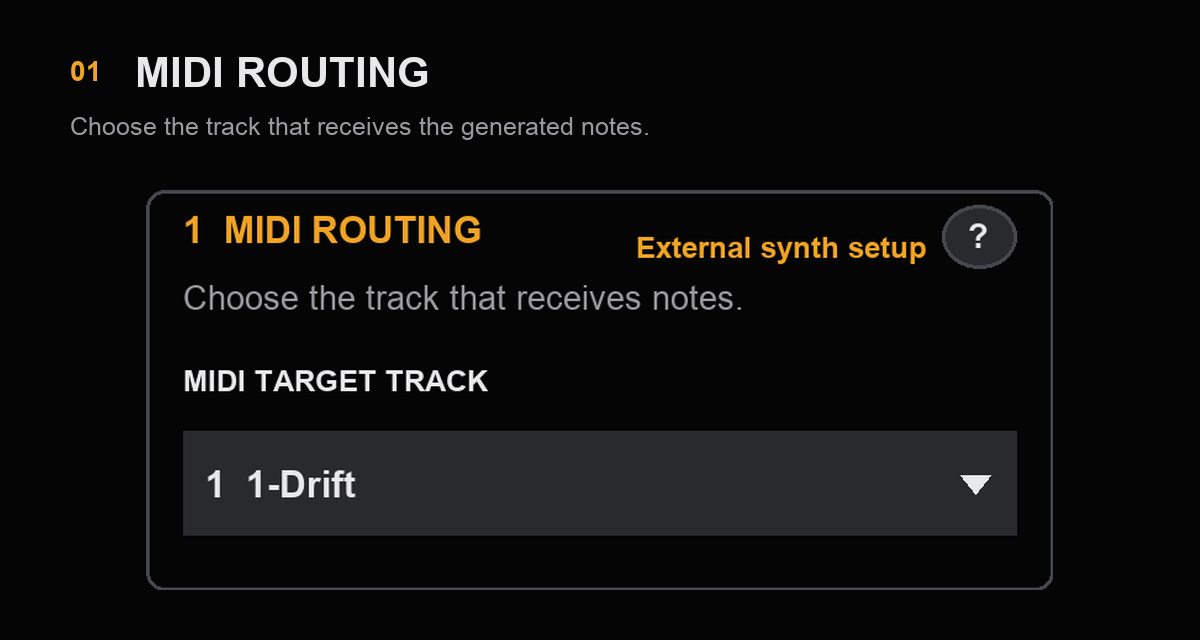
01 / MIDI ROUTING
Select the Live track that receives generated notes. For hardware, route that track to the synthesizer port and channel first.
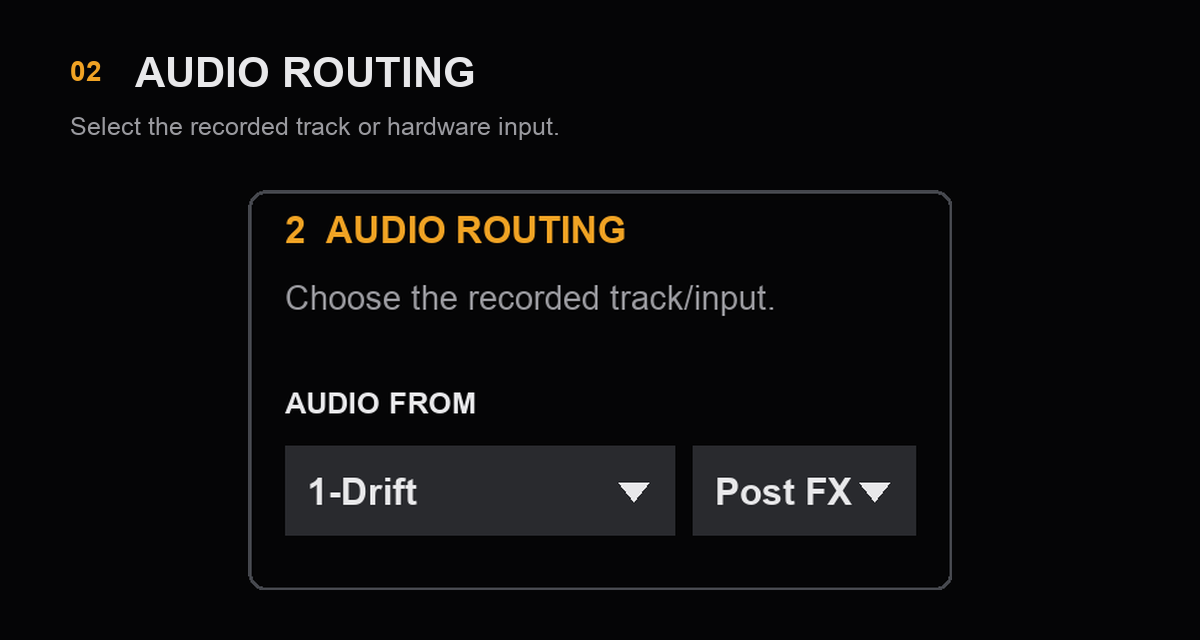
02 / AUDIO ROUTING
Select the software-instrument track or hardware input, then choose its available tap or channel.
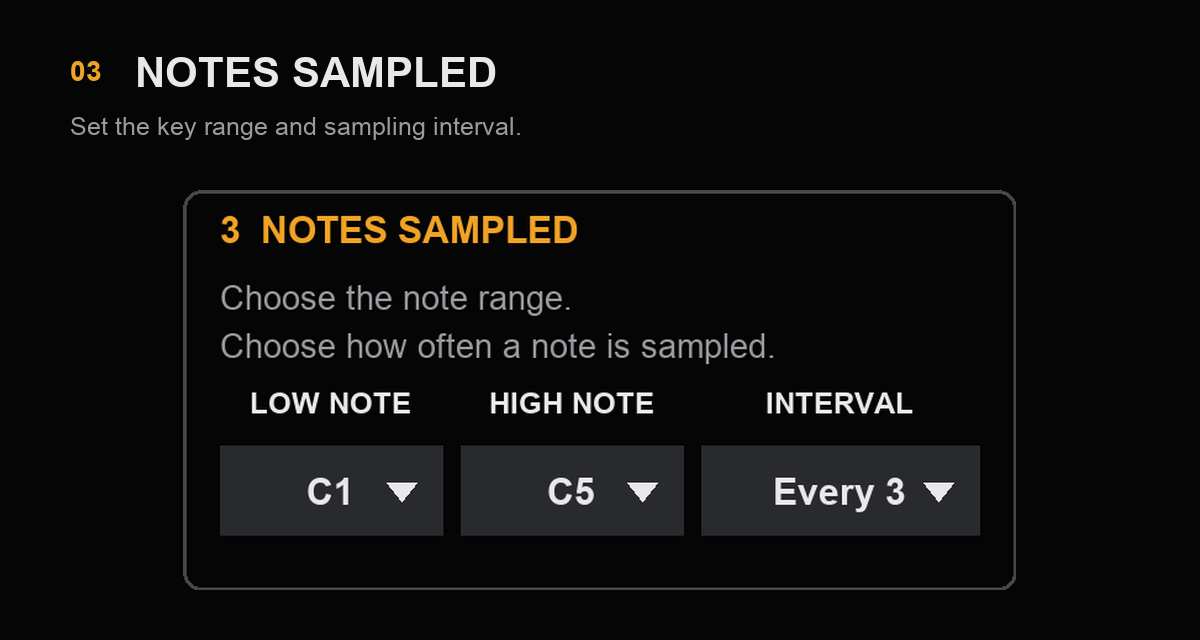
03 / NOTES SAMPLED
Choose the low and high mapping boundaries and sample every note or every second, third or fourth note.
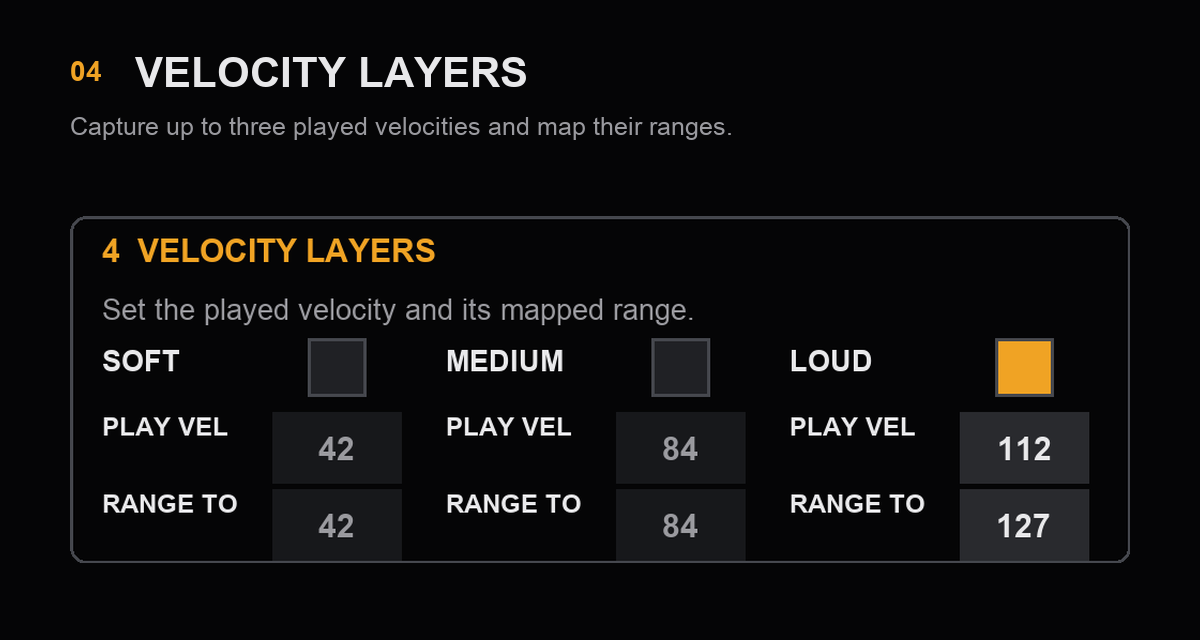
04 / VELOCITY LAYERS
Enable Soft, Medium and Loud independently; set the played velocity and each layer’s playable range.
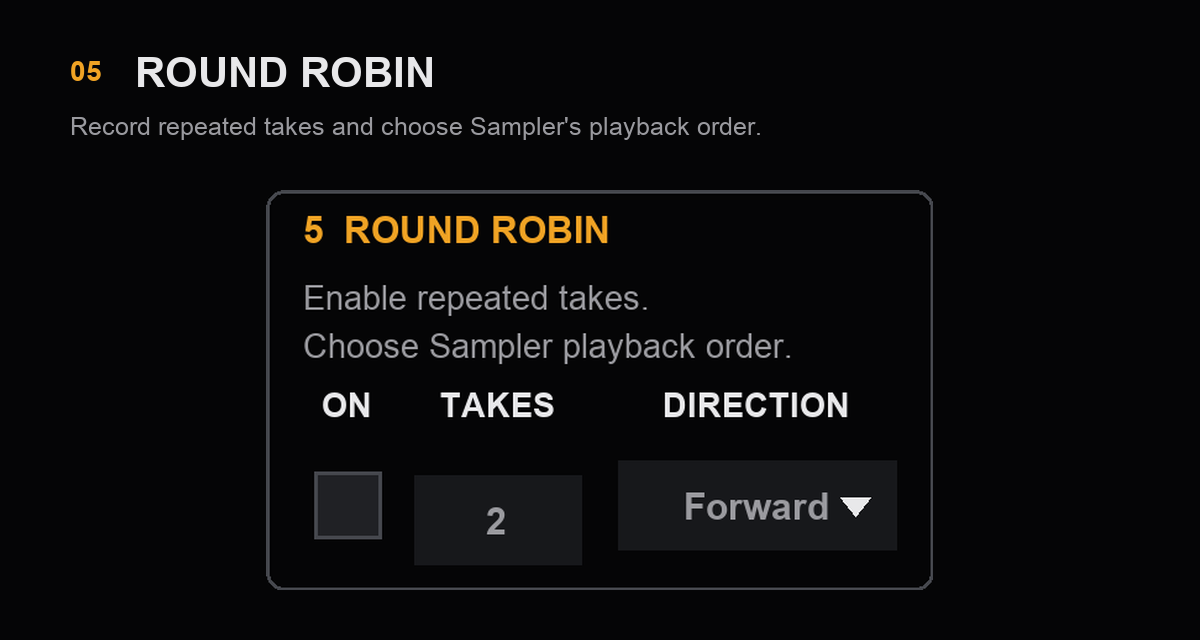
05 / ROUND ROBIN
Capture two to eight takes per note and velocity, with Forward, Backward, Other or Random Sampler playback.
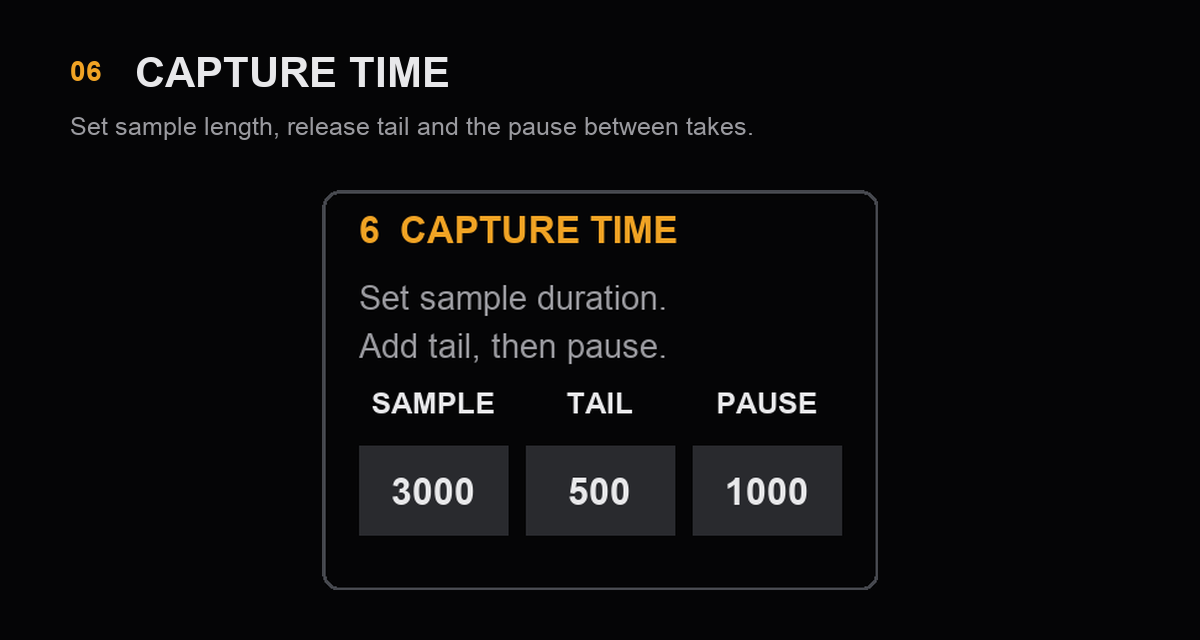
06 / CAPTURE TIME
Set note duration, release tail and the pause before the next take. Adaptive trimming keeps up to 1 ms before the detected attack.
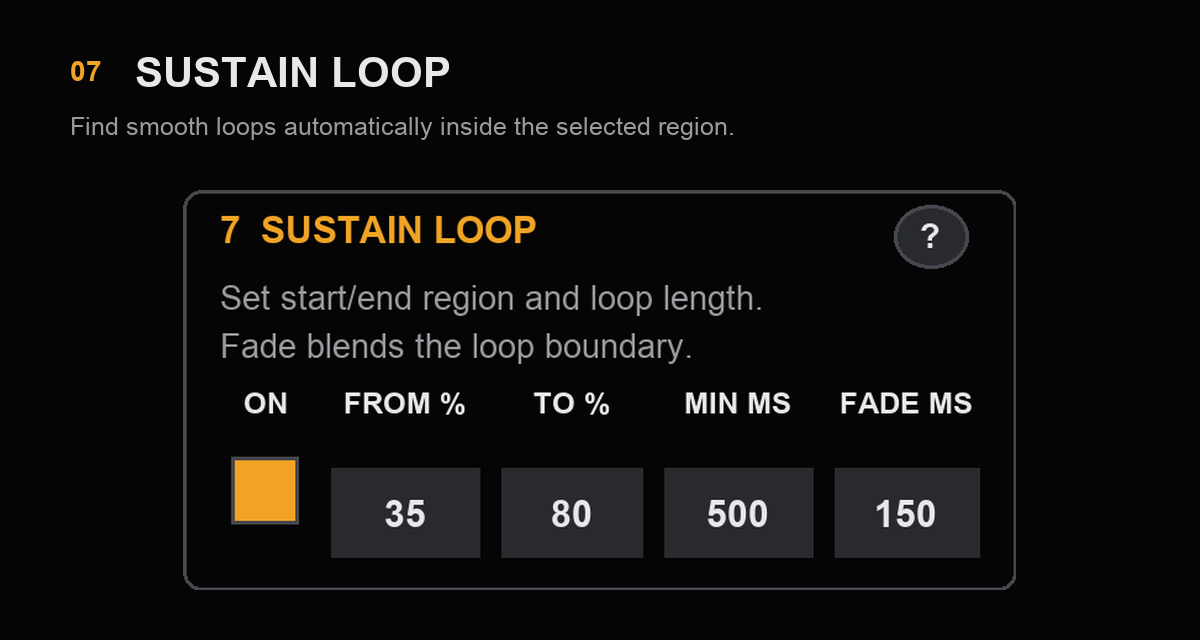
07 / SUSTAIN LOOP
Search a chosen region for smooth per-sample loop points, set a minimum length and apply a crossfade. Turn it off for drums and other one-shots.
Compatibility and specifications
Validated with Ableton Live 12.2.7 on macOS. The supplied product folder includes companion files; the AMXD alone is not a complete installation.
Keep the complete CLR Auto Sampler installation folder together. If a destination name already exists, GO changes to REPLACE; the old instrument is retained until a replacement capture completes successfully.
Read the CLR Auto Sampler user guide (PDF) ↗Documentation
The guide includes software- and hardware-instrument quick starts, all seven capture sections, installation, saved-file organization and troubleshooting.
Checkout and protected delivery must be ready before the paid product can be downloaded. Keep the complete installation folder together; the AMXD alone is not a full installation.
CLR Auto Sampler · $12 USD
One-time purchase. The public checkout and protected delivery are still being prepared.