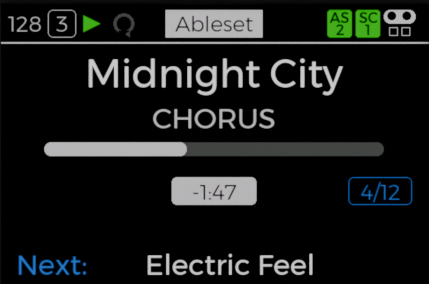
Song start
Show Control mode for set navigation and starting the performance.
Try the connected show
Choose a song in Setlist, then use the buttons on Show Control. Follow the song, transport and playhead across to Live.
01 / CLR Setlist Choose & reorder
Drag the grip to reorder, or use the arrows.
02 / Show Control Take control
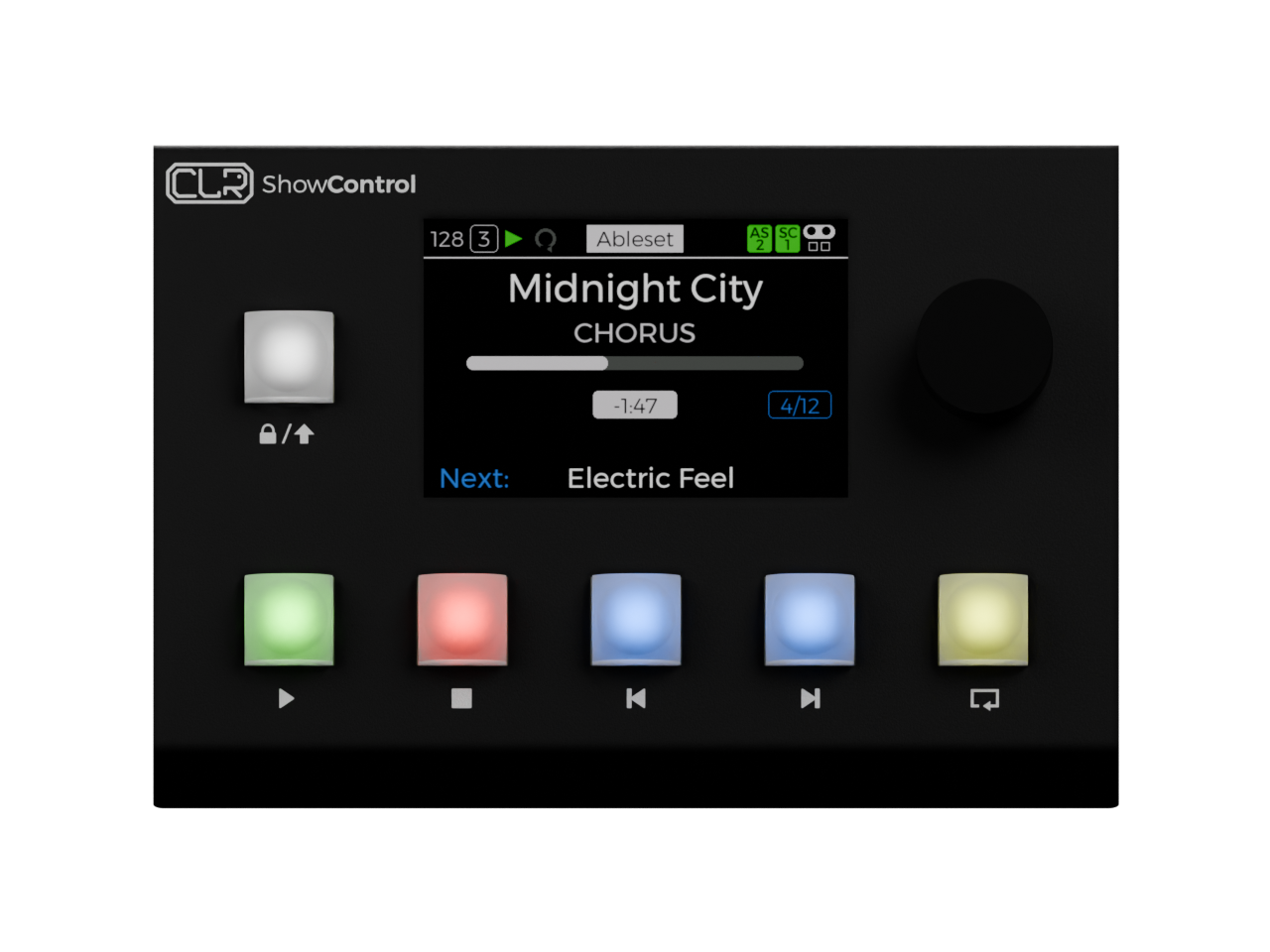
Play · Stop · Previous · Next · Loop
Press the jog wheel to browse, turn to choose, press to confirm.
Tap the white button to lock; hold it for Shift + Play.
03 / Ableton Live Follow the performance
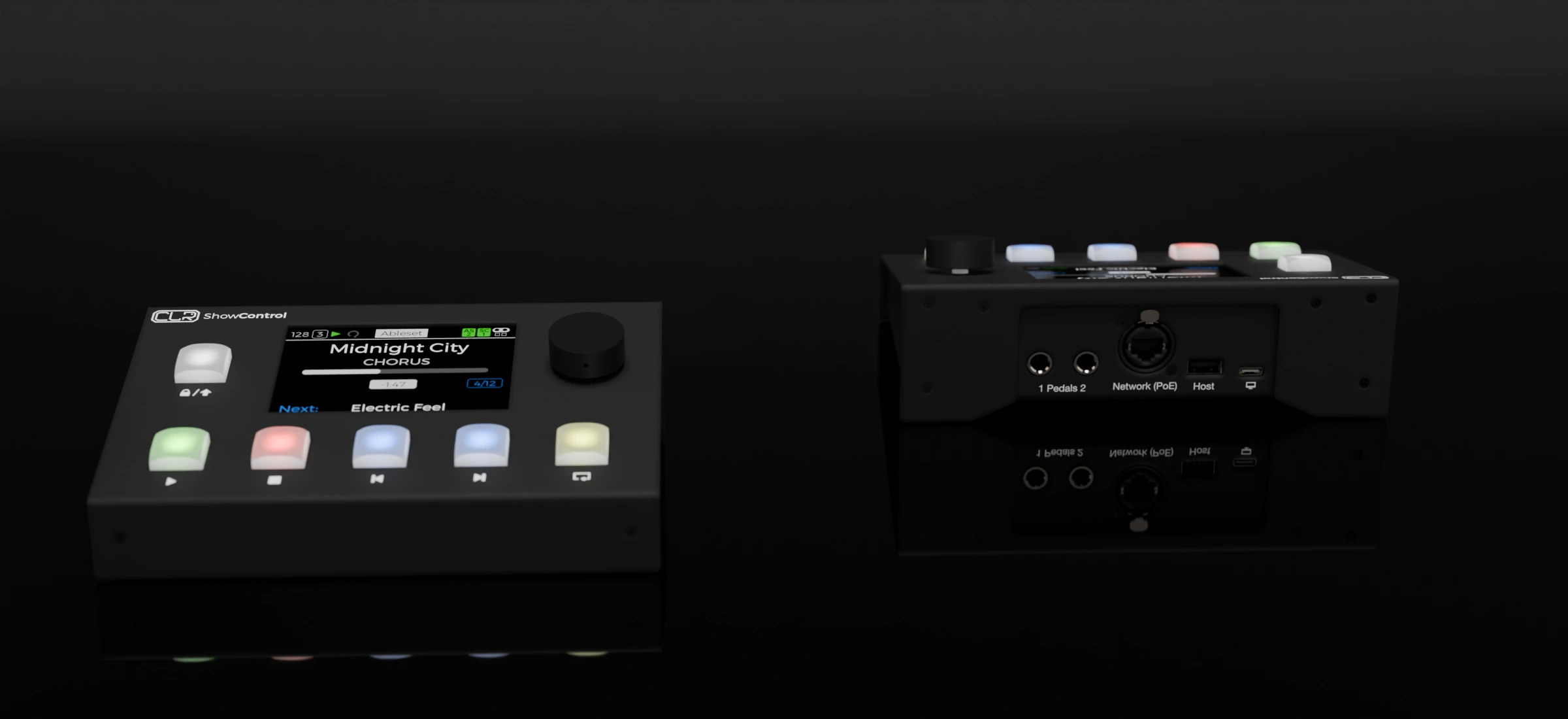
A professional remote control for live performances, theaters, musicals and art or museum installations. At heart — and in its simplest use case — it’s a sturdy, reliable box for the essential controls: play, stop, previous and next, with a nice screen that gives you all the important information and feedback you need.
We used our 15 years of stage experience to shape every detail, designing the best, safest, most reliable, most useful and most versatile remote possible.
The machine
Show Control is a purpose-built performance remote: a clear screen, a jog wheel for navigating the set and five colour-backlit buttons you can assign — laid out so the controls you reach for most are exactly where your hands expect them.
Around the back
Two foot-pedal inputs extend your hands-free control. A single Ethernet port carries power and data with PoE. A USB host port brings a MIDI keyboard onto the network, and a second connection links the computer — so the whole rig is wired in seconds.
Everything in sight
Know where you are in the song and what comes next. The large screen puts song names, sections, progress and timing in your line of sight, so performers can follow the show and playback engineers can check its status at a glance—without a laptop display at every position.
Programmable MIDI control
Use Show Control’s show-navigation mode or assign color-backlit buttons to your own controls, with pre-mapped Ableton actions ready to choose. Your DAW can send Program Changes to switch modes at the right moment—so the same surface handles the set between songs and your performance controls during them.
Show Control mode for set navigation and starting the performance.
A programmed mode change brings your assigned effects or looper controls to the same buttons.
Another program change returns the surface to Show Control for the next song.
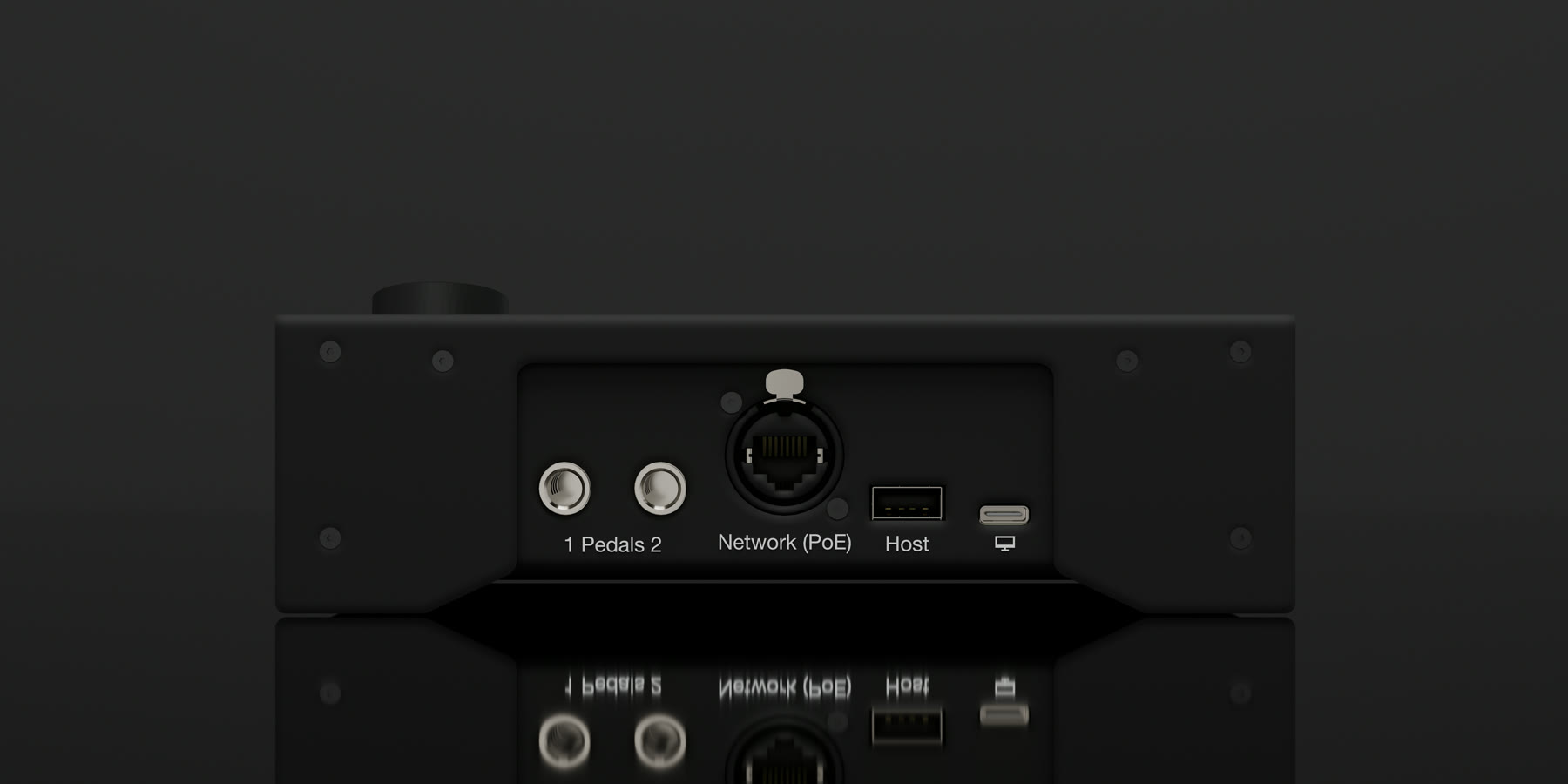
Built for the stage
The rugged enclosure is made for the rigors of live use. A threaded mounting point underneath lets you mount it on a microphone or cymbal stand, while the performance-lock button protects against accidental presses.
USB MIDI bridge
Connect any class-compliant USB MIDI keyboard or controller to Show Control’s USB host port and send its MIDI over the network. Keep the keyboard at the performance position and the computer in the rack, without a long USB run between them.
Take control
For performers and playback engineers—and the teams running theatre, fixed venues and houses of worship. Tell us who needs control, where they work and how your show runs.