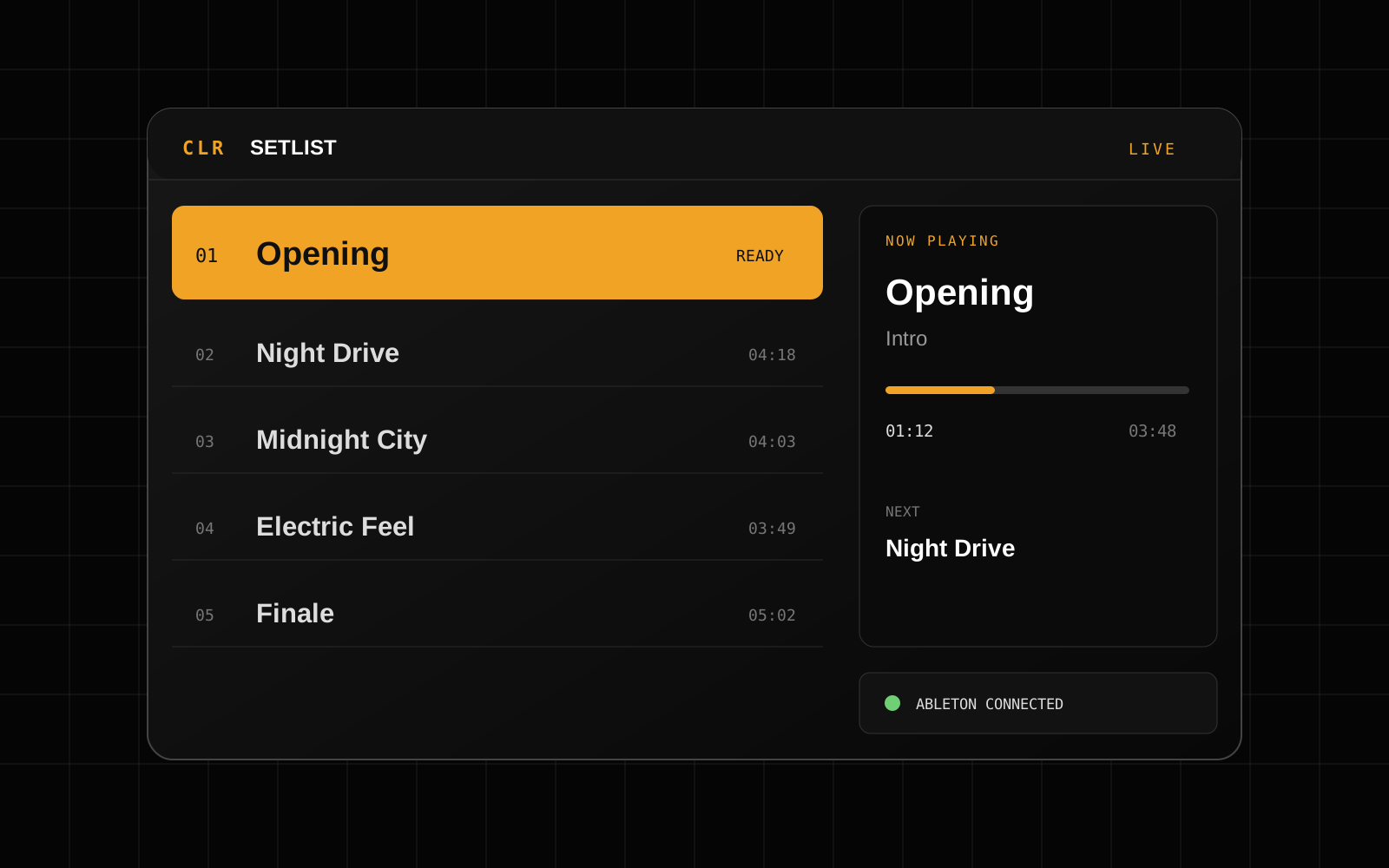
01 / PERFORMANCE
CLR Setlist
Arrange your songs, control Ableton Live playback and keep the current song, next song and timing in view.
Explore CLR Setlist →
Standalone apps for your show.
01 / PERFORMANCE
Arrange your songs, control Ableton Live playback and keep the current song, next song and timing in view.
Explore CLR Setlist →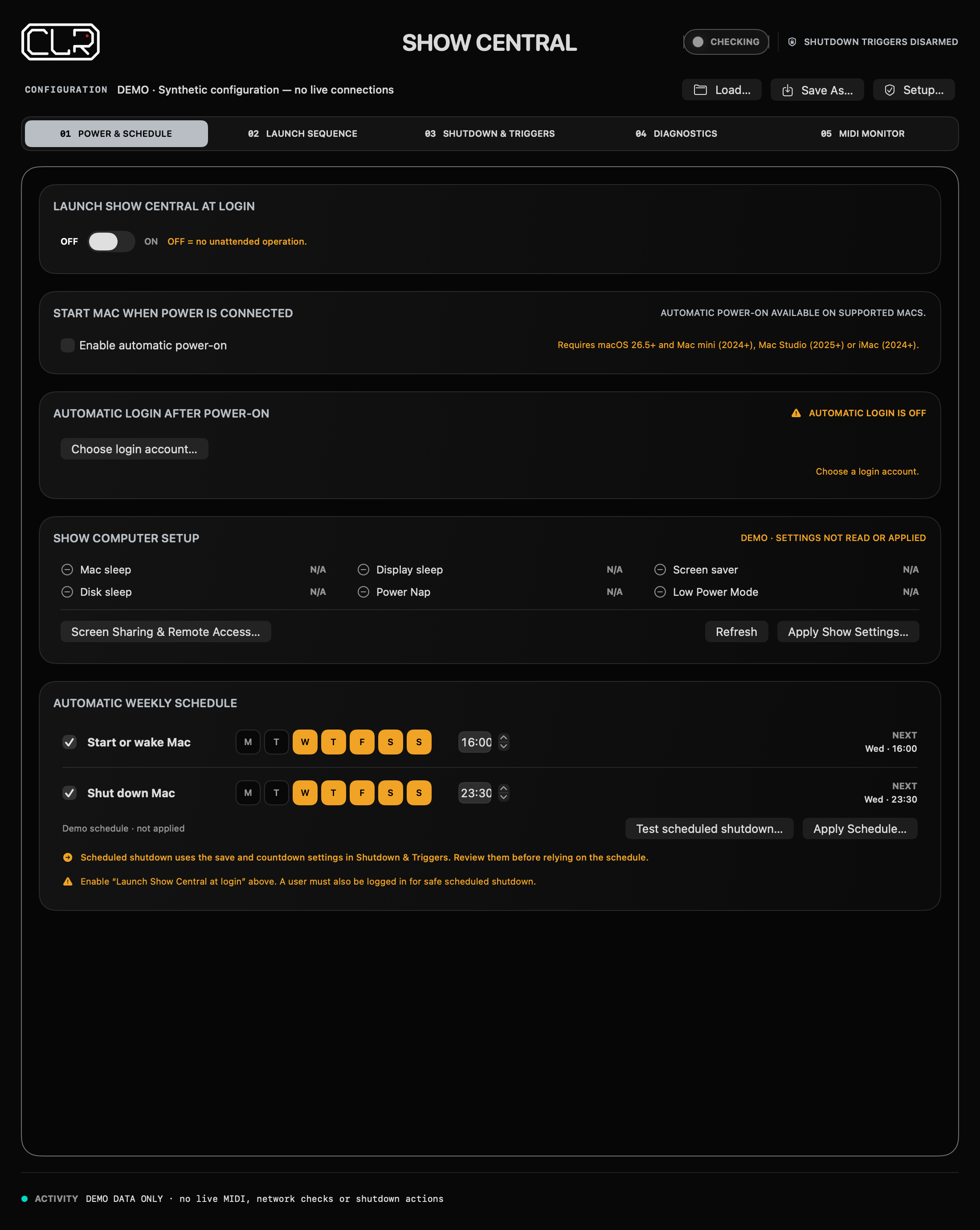
02 / SHOW COMPUTER
Your central hub for getting your Mac ready for the show.
Explore Show Central →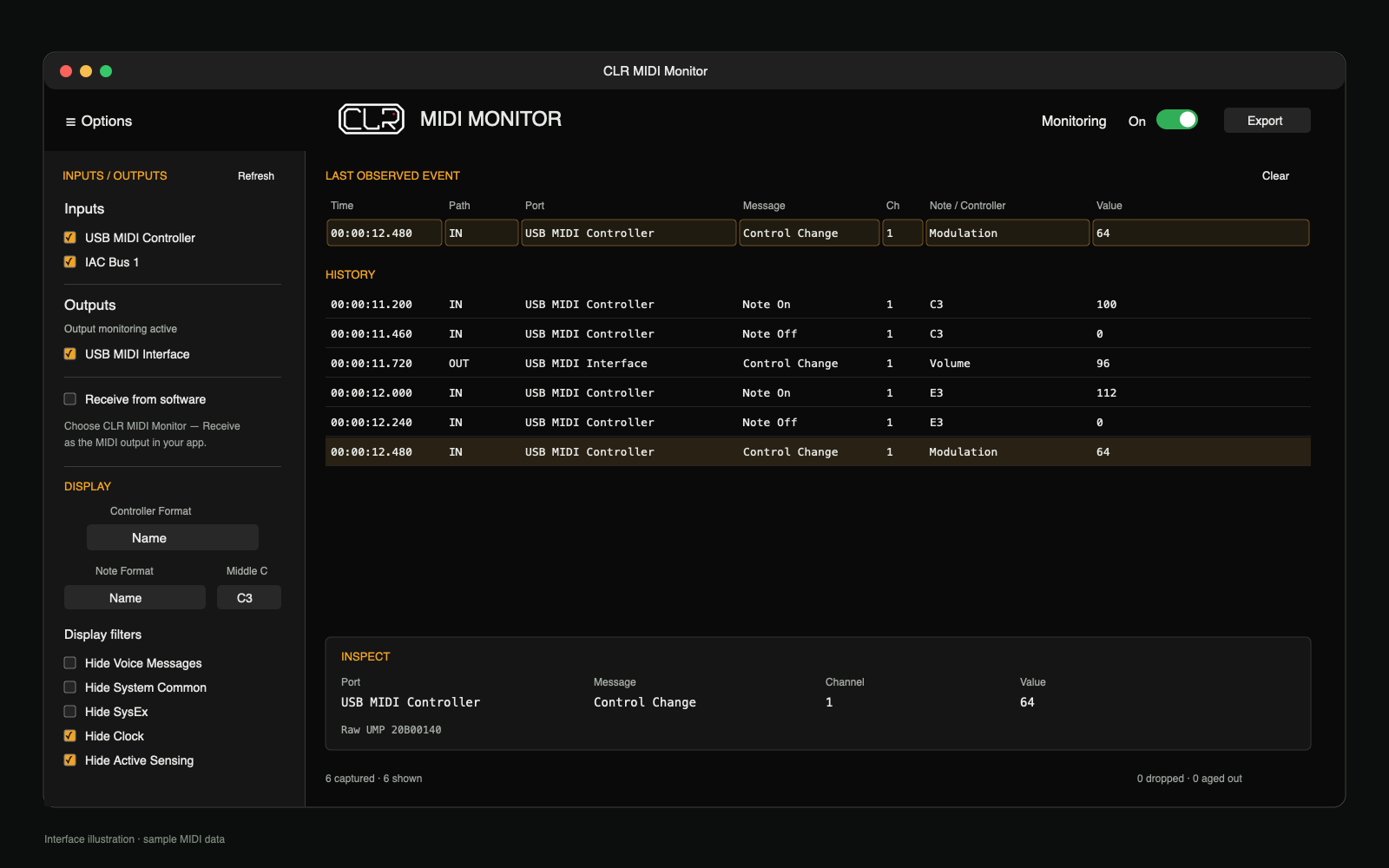
03 / SESSION TOOLS · FREE*
See what your MIDI devices and apps are sending. Inspect inputs and outputs, filter the noise and export a clear event history.
Explore CLR MIDI Monitor → Download for Mac ↗* CLR MIDI Monitor is free for noncommercial use. Commercial use requires separate permission.
Max for Live devices and audio plugins.

01 / SESSION TOOLS
A suite of diagnostic tools to check your session’s health, flag potential issues and help you take the stage with confidence.
Explore Session Diagnostics →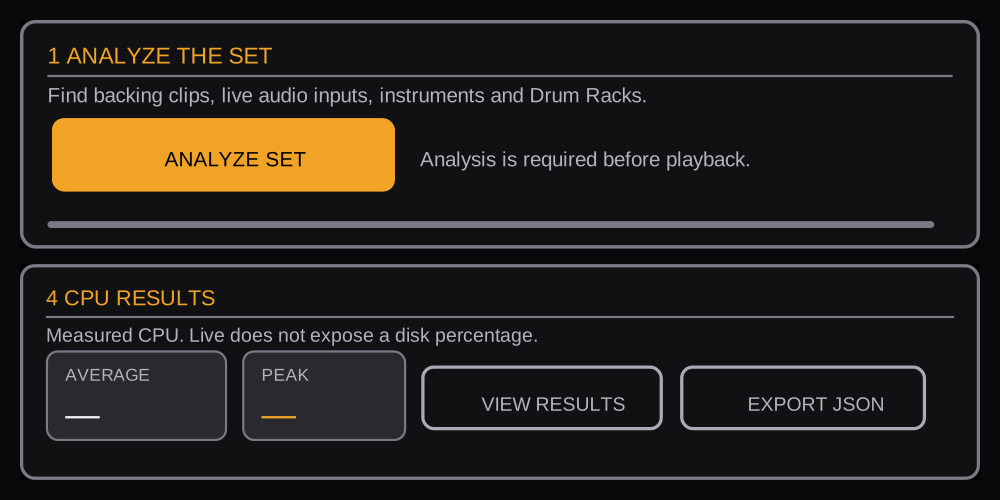
02 / SESSION TOOLS
Drive live-input effects and software instruments together, then check your computer’s CPU headroom before the show.
Explore Stress Test →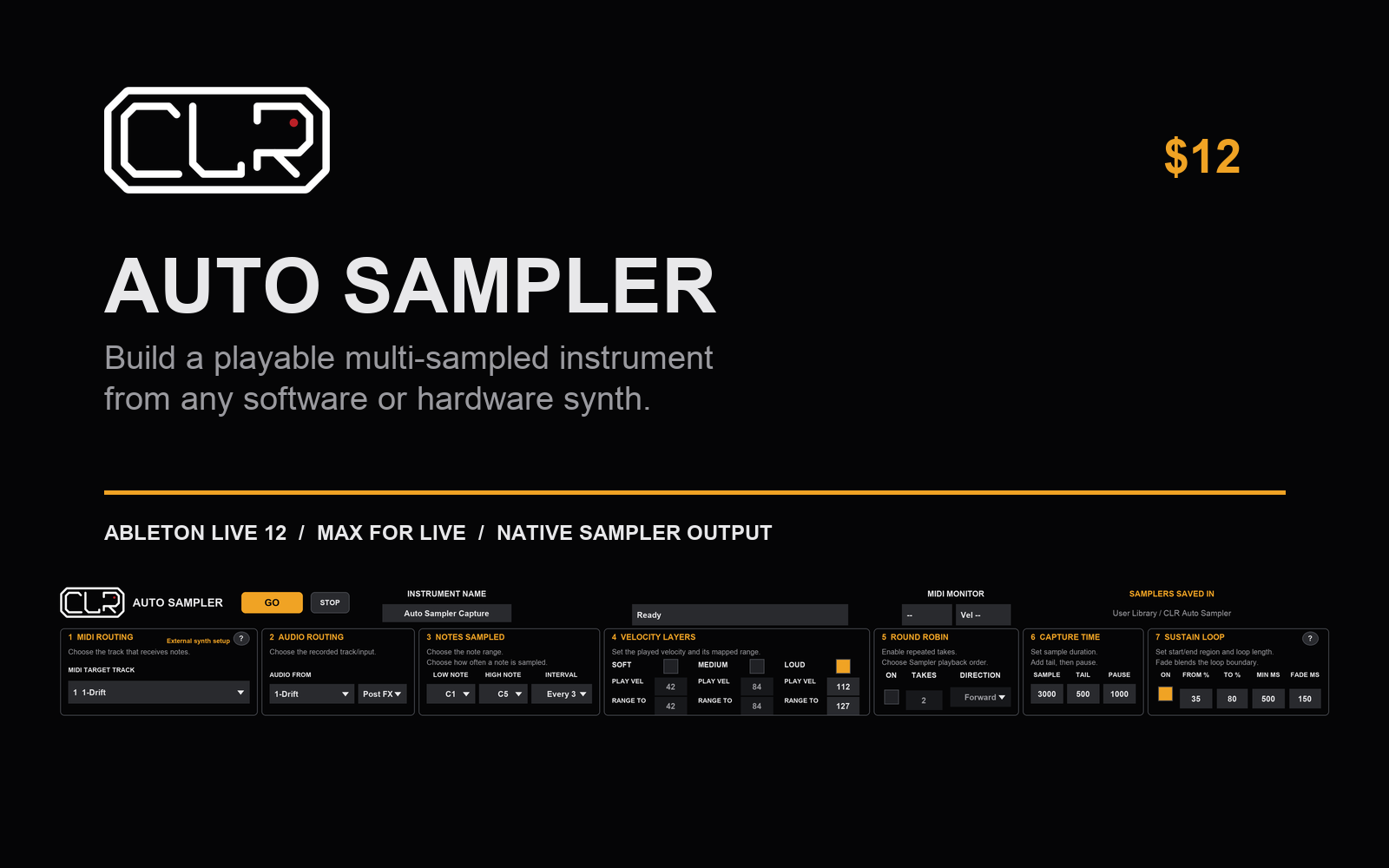
03 / MAX FOR LIVE · $12
Turn software or hardware synths into a native Ableton Sampler instrument—with mapped notes, velocity layers, round robins and sustain loops in one run.
Explore CLR Auto Sampler →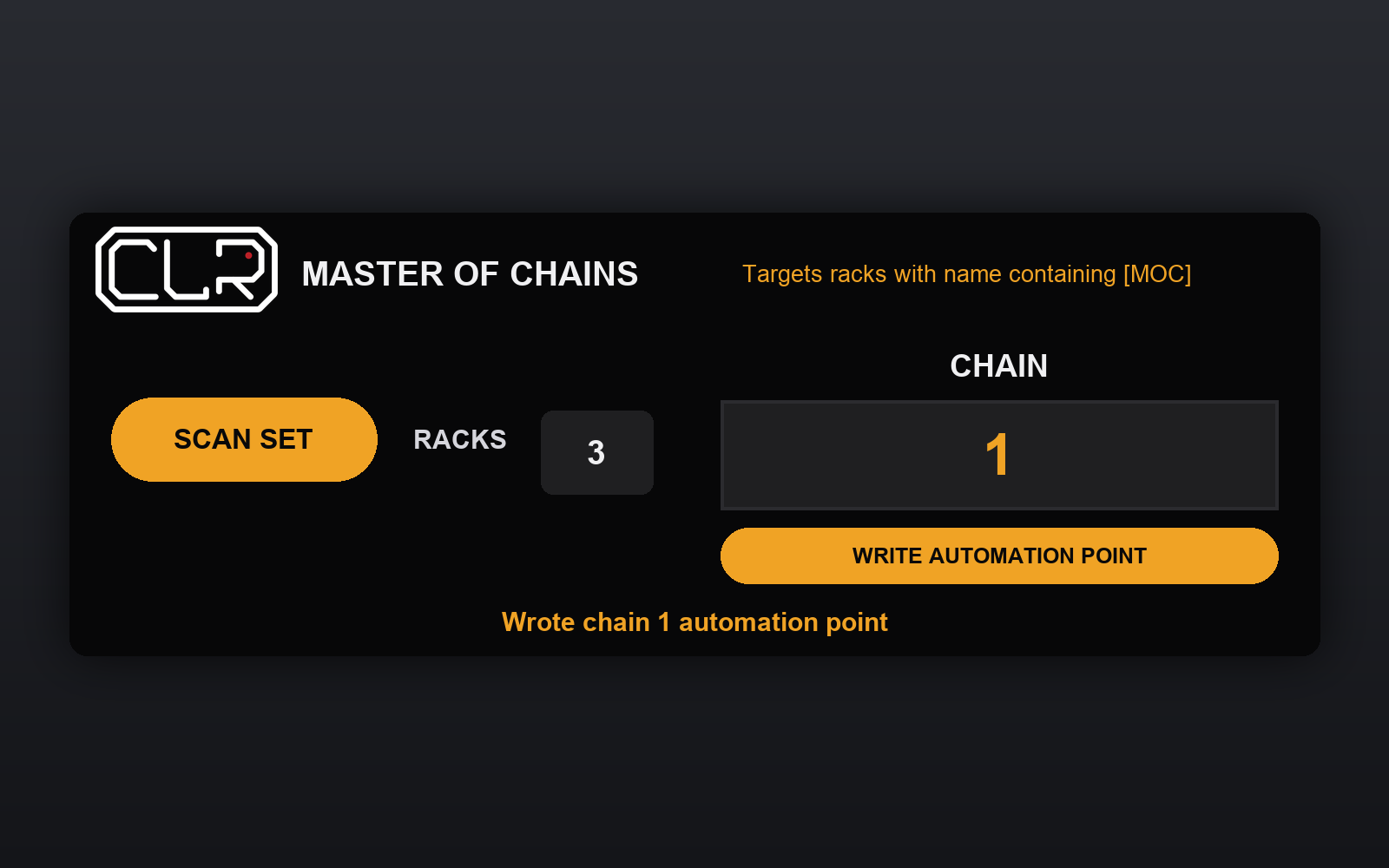
04 / MAX FOR LIVE · $8
Automate chain selection on one track and apply it to every tagged rack in your Ableton Live session.
Explore Master of Chains →
05 / UTILITY
Make your controller’s buttons behave as toggles or momentary switches.
Explore Toggle →
06 / UTILITY
Add visual feedback to your controller for plugin controls that don’t send it themselves.
Explore Feedback →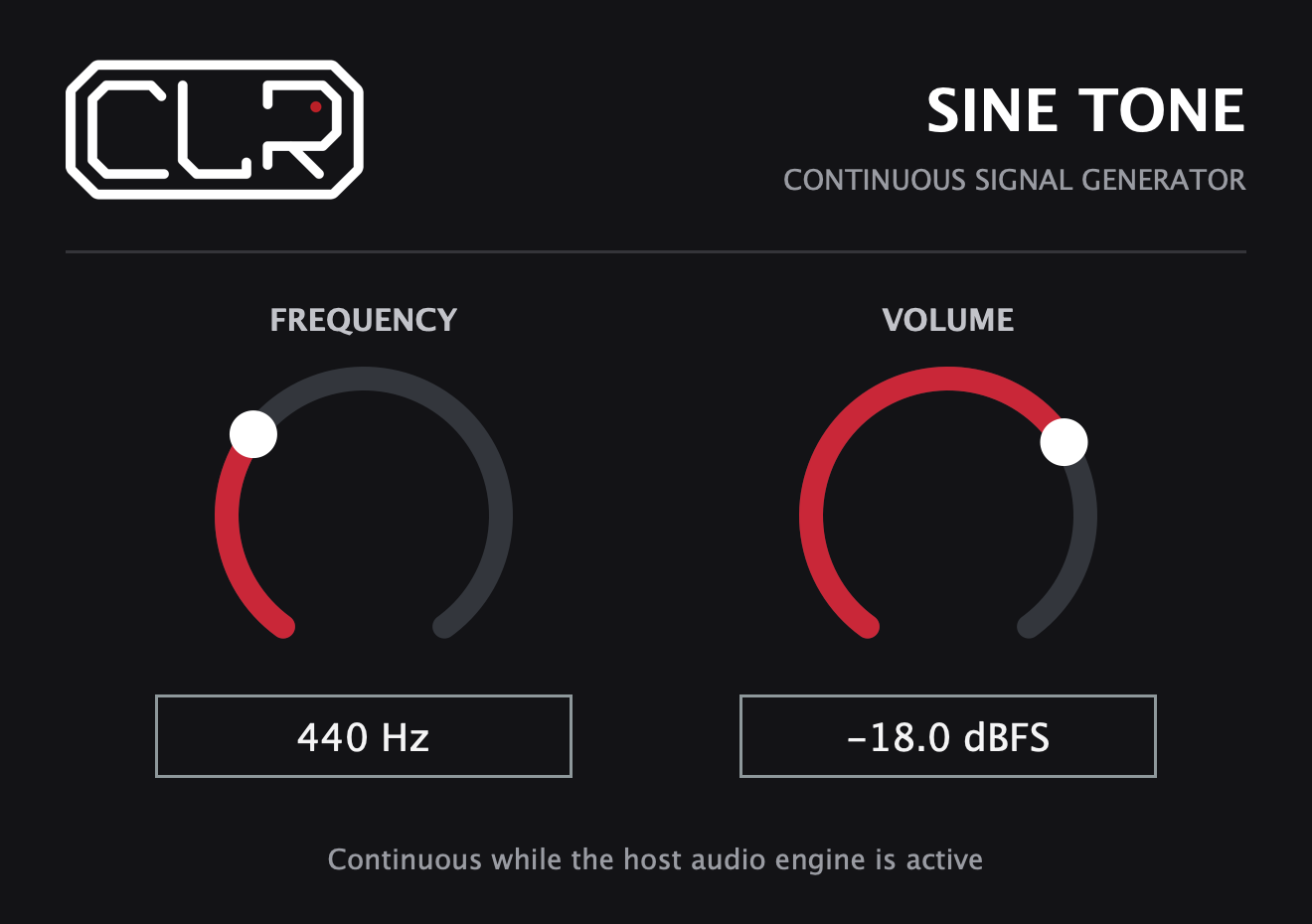
07 / UTILITY · FREE
A free pilot-tone generator for redundant playback rigs. Give your A/B switcher a continuous signal to monitor, so loss of the main computer’s tone can trigger a switch to backup.
Explore CLR SineTone → Download free for macOS ↓