All software
Set-wide Rack control · Max for Live
Master of Chains
One automation lane for every Rack in the session.
Drawing separate automation lanes across a large session is tedious and prone to mistakes. Master of Chains makes it quick and simple: automate one lane to send the same Chain value to all your tagged Racks.
How it works
Tag — Scan — Automate
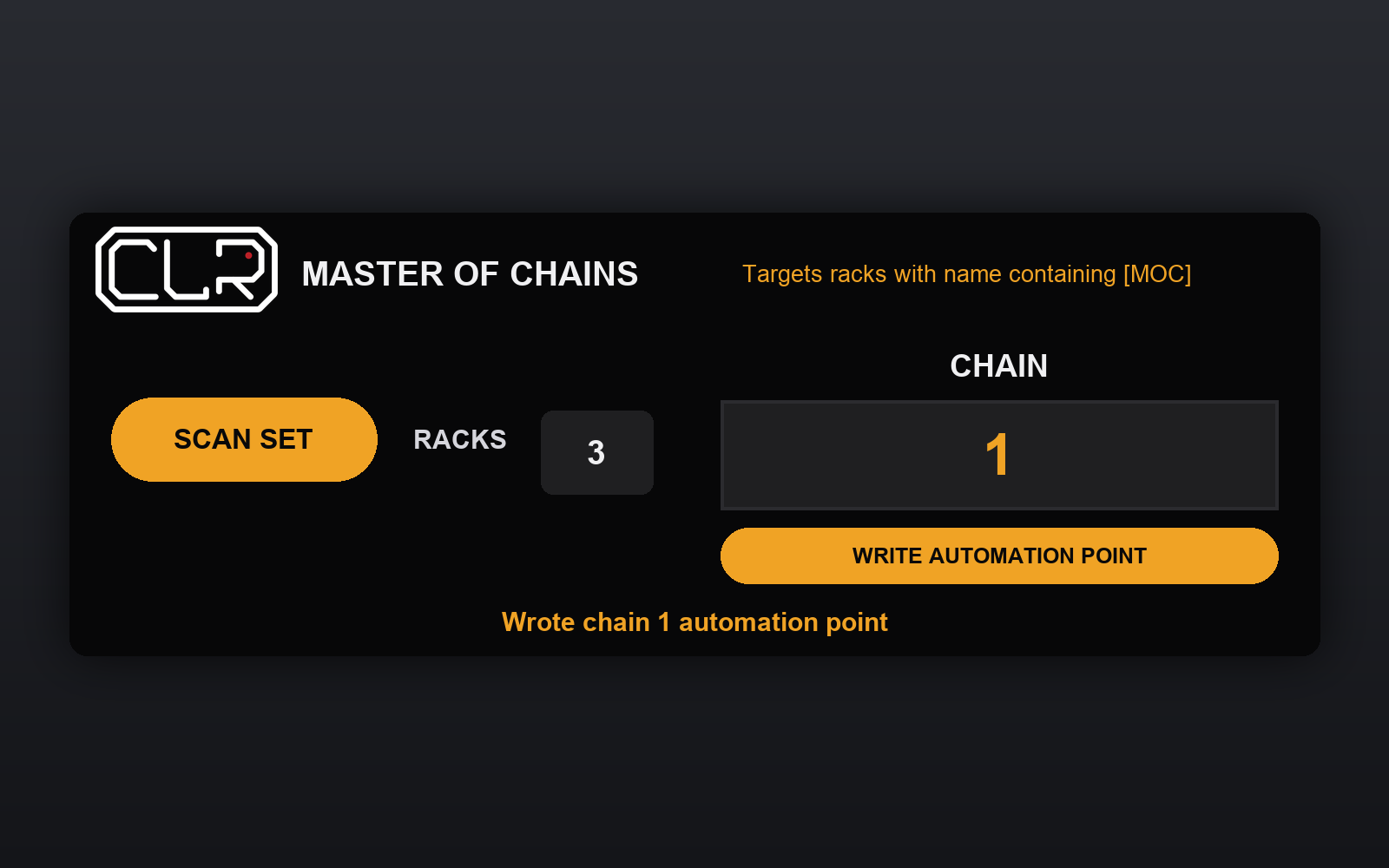
Add [MOC] to the Rack names you want to control, press Scan Set, then change or automate Chain. Untagged Racks are left alone.
Write Automation Point records the current value at the playhead while Automation Arm, Arrangement Record and playback are active.
Use one Master of Chains per Set. Rescan after Rack changes.
Installation and quick guide →