A switcher needs to know its source is present
Route a pilot-tone channel from each computer to its switcher input. Loss of the active source’s tone can trigger backup selection under the hardware’s configured rules.

Pilot-tone generator · Free
A continuous monitoring signal for your A/B playback rig.
The problem
A compatible redundancy switcher needs a signal to monitor from each playback computer. CLR SineTone supplies a dedicated continuous pilot tone; your existing hardware handles detection and switching.
Route a pilot-tone channel from each computer to its switcher input. Loss of the active source’s tone can trigger backup selection under the hardware’s configured rules.
The tone is independent of transport while the host audio engine and track keep processing, so a normal stop between songs need not remove the monitoring signal.
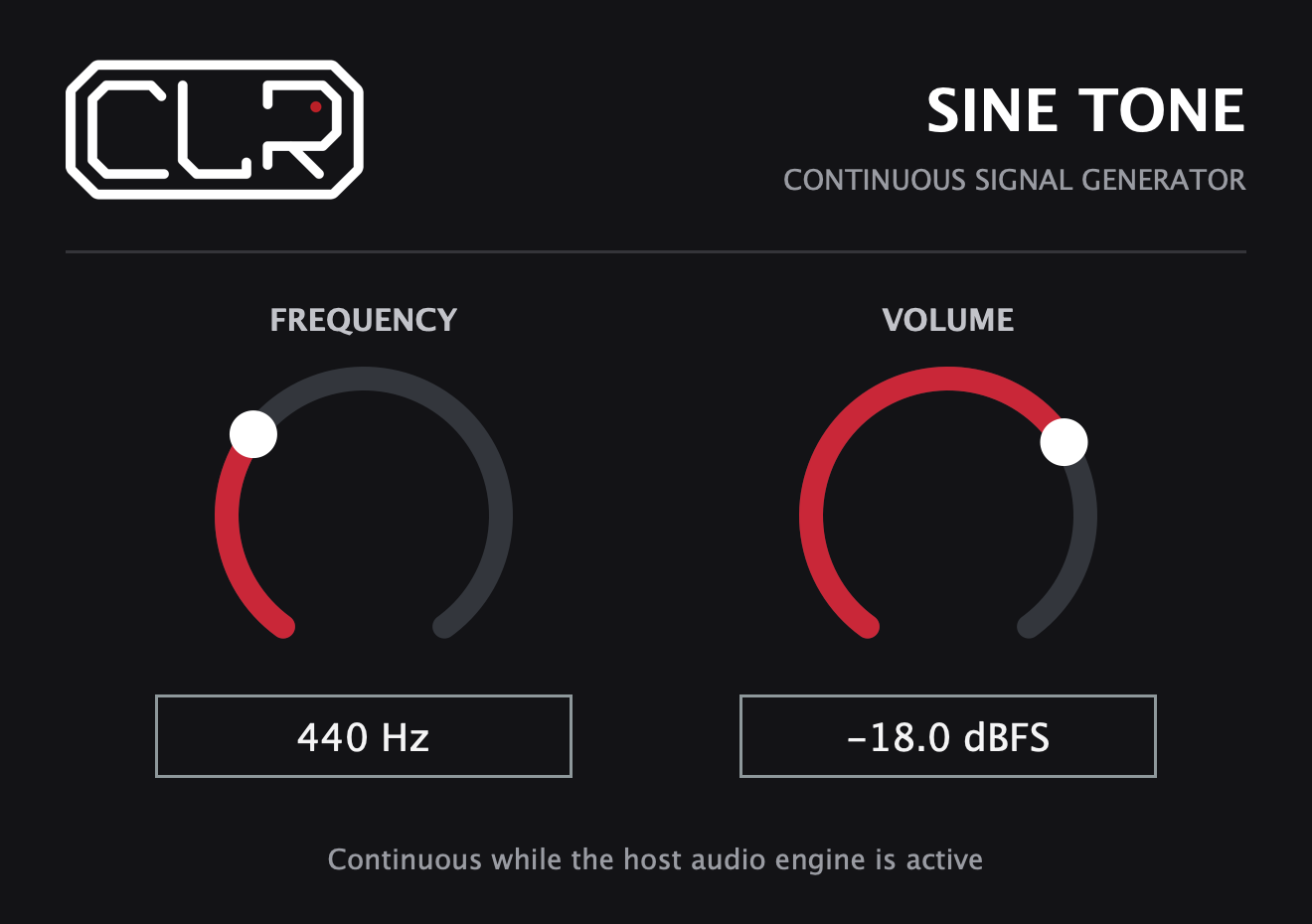
Set frequency and peak level for the hardware and save them with the session. Keep the tone out of audience outputs and test the full failover path before a show.
How it protects an A/B playback setup
Both computers send show audio and a dedicated pilot-tone channel to their respective switcher inputs. The switcher monitors the tone and, under its configured failover rules, can select the backup if the active source loses its signal.
Keep backup playback ready and synchronized using your existing show system. SineTone supplies the monitoring signal; your DAW routes it and the external hardware does the switching. Keep the pilot tone out of audience outputs.
Technical details
Continuous output depends on an active host audio engine and a processing track. Bypassing or suspending the device can stop the signal.
If a crash stops audio output, the tone stops too. But a frozen driver can keep repeating a buffer that still contains the tone, and a show failure may leave the tone running. In those cases a switcher may not detect the problem. SineTone is not a guarantee that the entire show is healthy, nor a BLDS buffer-loop detector; test the complete computer, interface and switcher together.
Download the CLR SineTone quick guide (PDF) →Documentation
The quick guide explains A/B pilot-tone routing, continuous output through Stop, installation, controls and a controlled failover check. Read the limitations before relying on a pilot tone for a show.
SineTone is not a repeating-buffer detector, playback synchronizer or guarantee that an entire show is healthy. The switcher, interfaces and both playback computers must be tested together.
CLR SineTone · Free
AUv2 / VST3 for macOS 11+ · Apple silicon and Intel. Not notarized by Apple; contact CLR if macOS blocks installation.