A controller appears to do nothing
Select its CoreMIDI input and see the arriving messages. Separate a missing signal from a mapping or application problem.

MIDI utility · Free for noncommercial use
See what your MIDI connections are actually sending.
The problem
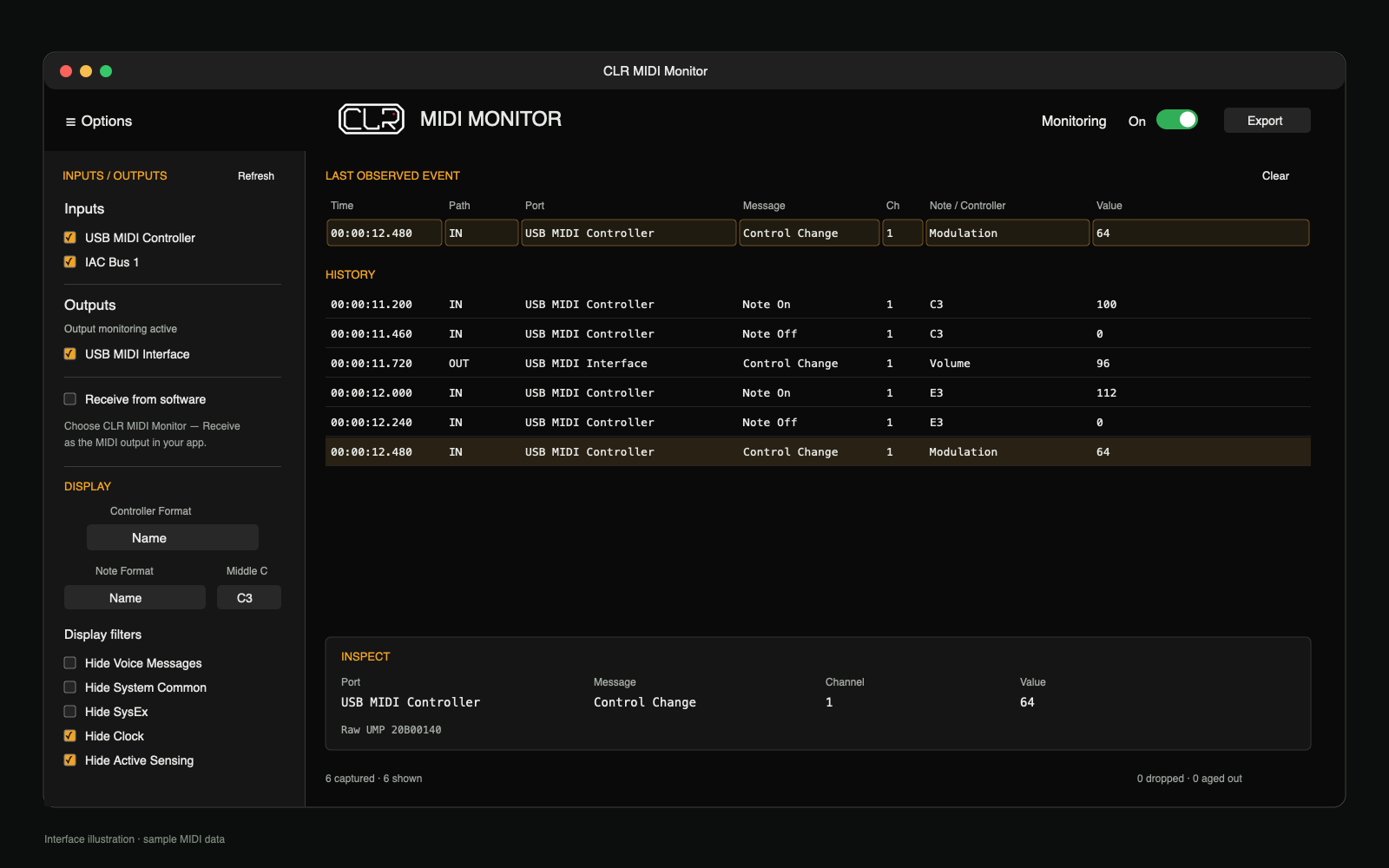
When a controller, application or hardware connection behaves unexpectedly, the first question is whether the right message reaches the right port. CLR MIDI Monitor makes that MIDI activity visible without sending or echoing MIDI.
Select its CoreMIDI input and see the arriving messages. Separate a missing signal from a mapping or application problem.
Keep the latest event visible, search history and filter the display so notes, controllers and other useful details stand out.
Inspect individual message fields and export retained events as JSON for later review. Display filters do not remove events from that export.
Follow the MIDI path
Monitor incoming CoreMIDI ports, observe events sent to selected output destinations, or enable Receive from software to receive directly from a music app.
Output rows identify the destination port—not the application sending to it. MIDI that stays inside a DAW or plug-in may not appear on CoreMIDI ports. The app does not send, echo or thru MIDI.
Compatibility and limits
The bundled output observer is prepared automatically. Its first setup may ask you to restart your Mac once; the app will not force a CoreMIDI restart.
This is source-available software, not OSI-approved open source. The current Mac build is not signed with a CLR Apple Developer ID and is not notarized; macOS may warn or block it. See the install and security instructions above before opening it.
Read the CLR MIDI Monitor quick guide →Documentation
The quick guide covers port selection, direct software reception, output observation, filters, JSON export and macOS installation. The full offline manual is included in the app’s Help menu. Review the noncommercial license before using the app in paid work.
macOS may show the warning again after an update. The app is not notarized, so this is a manual, per-app approval—not a claim that Apple has verified the build. See Apple’s instructions for safely opening Mac apps.
CLR MIDI Monitor · Version 1.0.2
Free for noncommercial use on Apple Silicon Macs running macOS 13 or later.