Configured kit
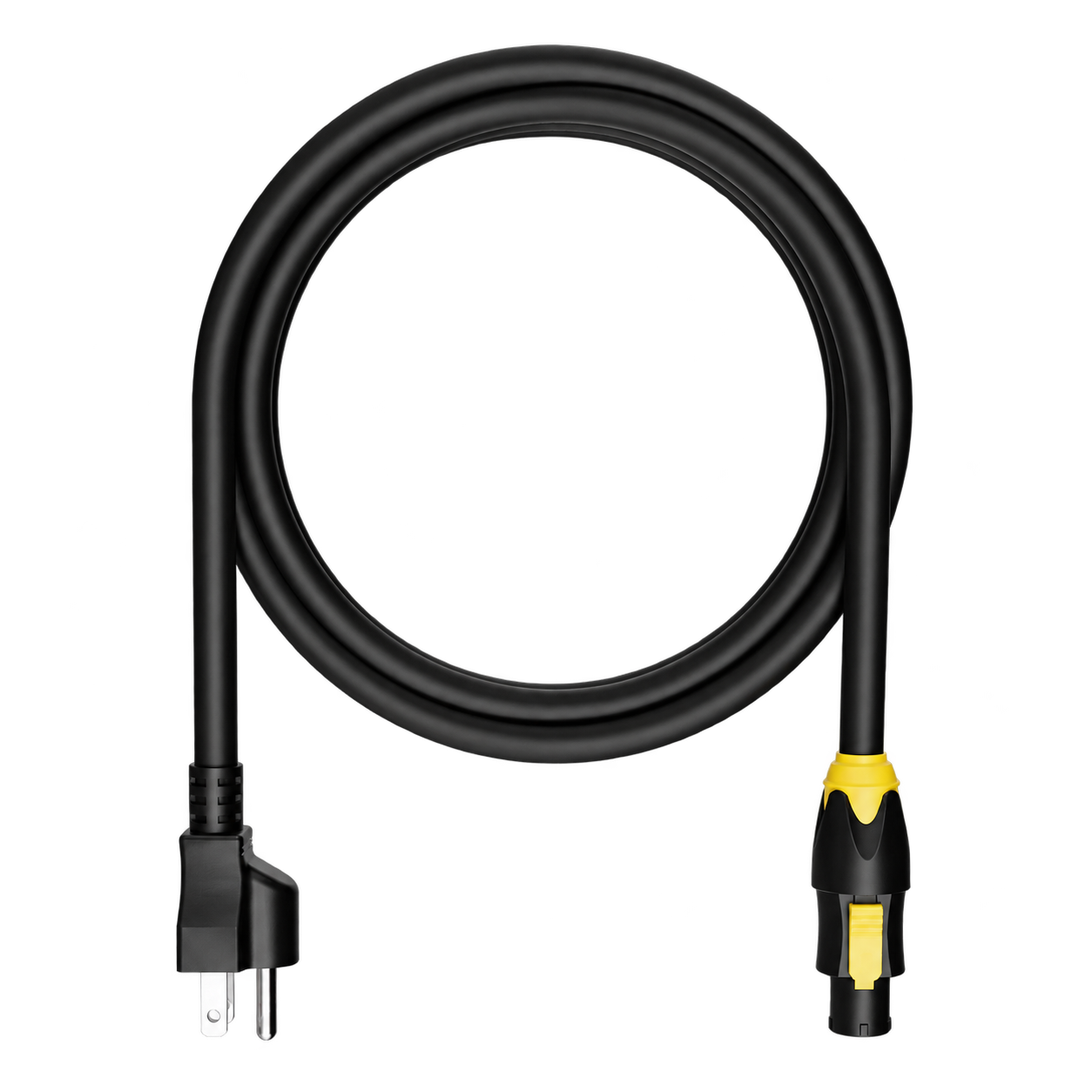
Power
A power lead matched to the rack inlet and the regional plug agreed for your build. TRUE1 lead shown as a reference.

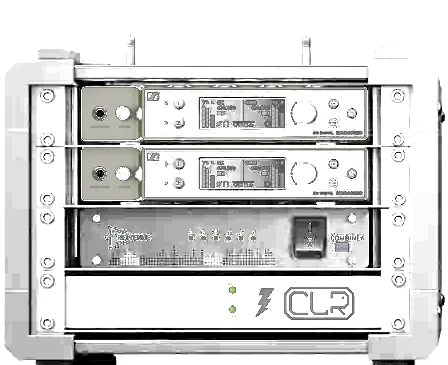
Utility rack · 4U
Two stereo monitor mixes. A simple analog patch. Built around the way you hear the show.
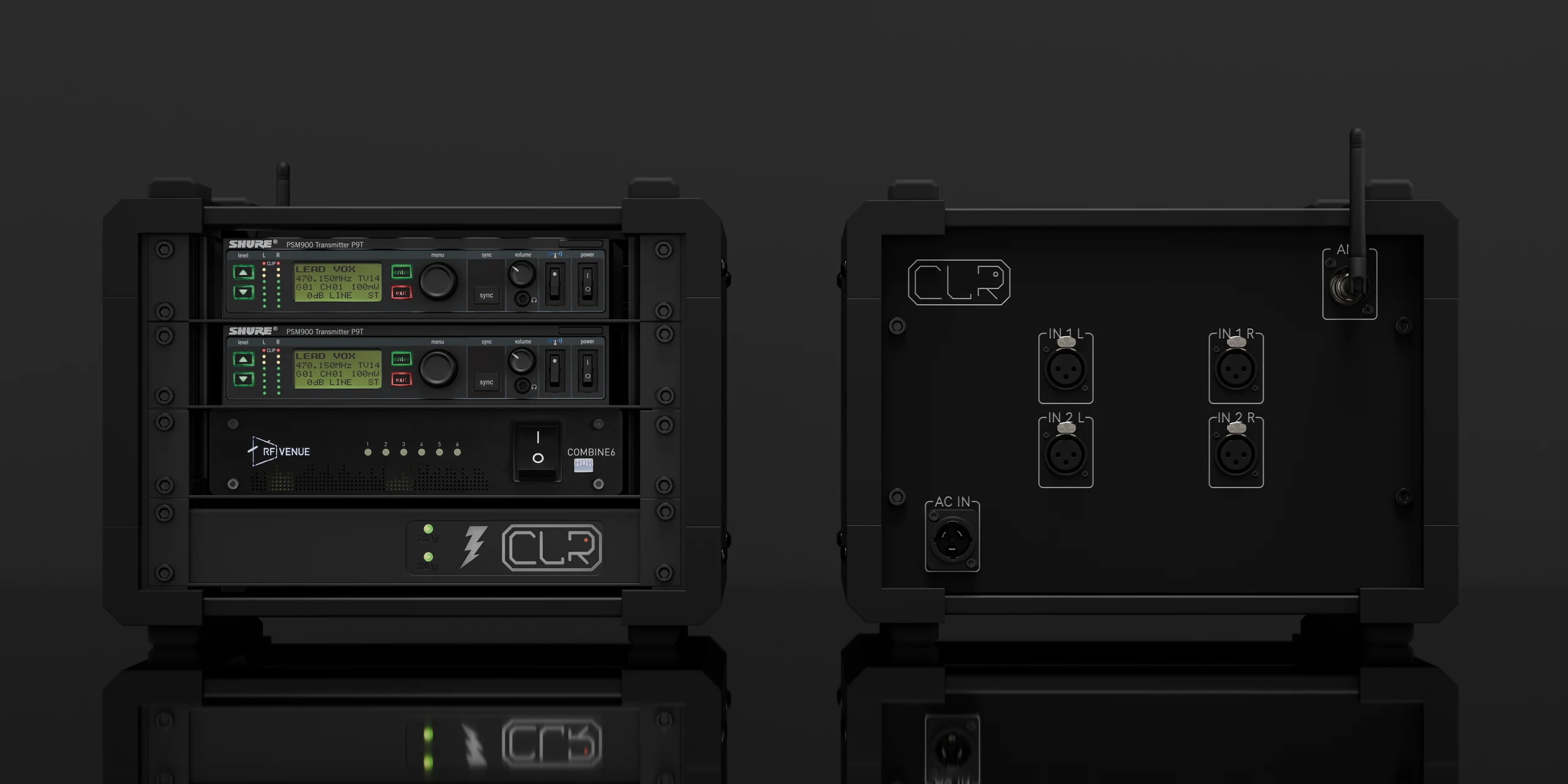
The complete packing list
The rack hardware and the essentials that travel with it—configured for your system.
The reference build
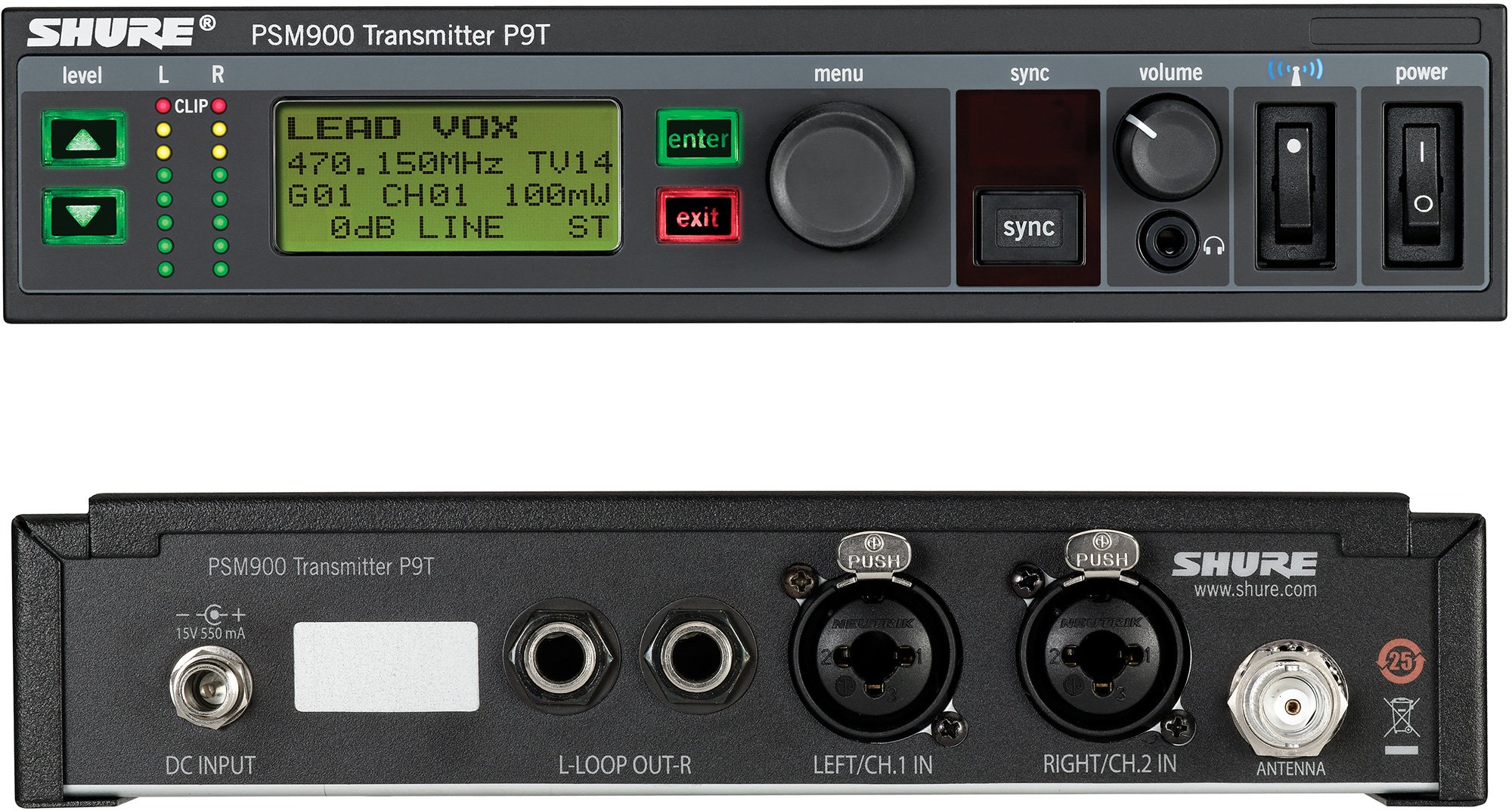
Two P9T transmitters provide two independent stereo monitor mixes. Bodypack quantities and RF bands are configured to order.
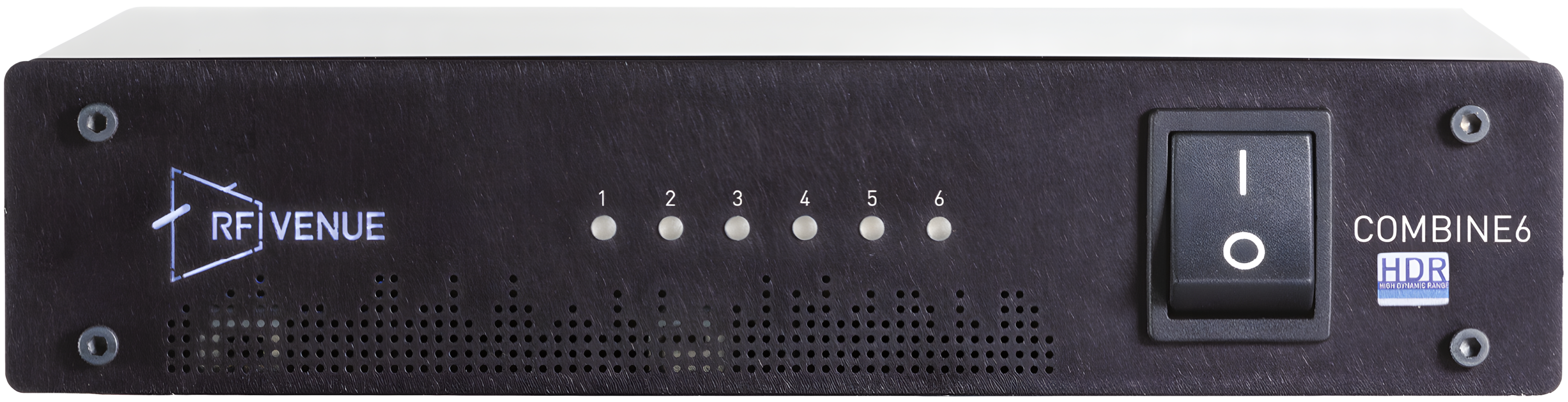
One six-input transmitter combiner joins the fitted IEM transmitters to the rear antenna connection.

Rack-mounted power distribution and internal power wiring, specified for the installed equipment.
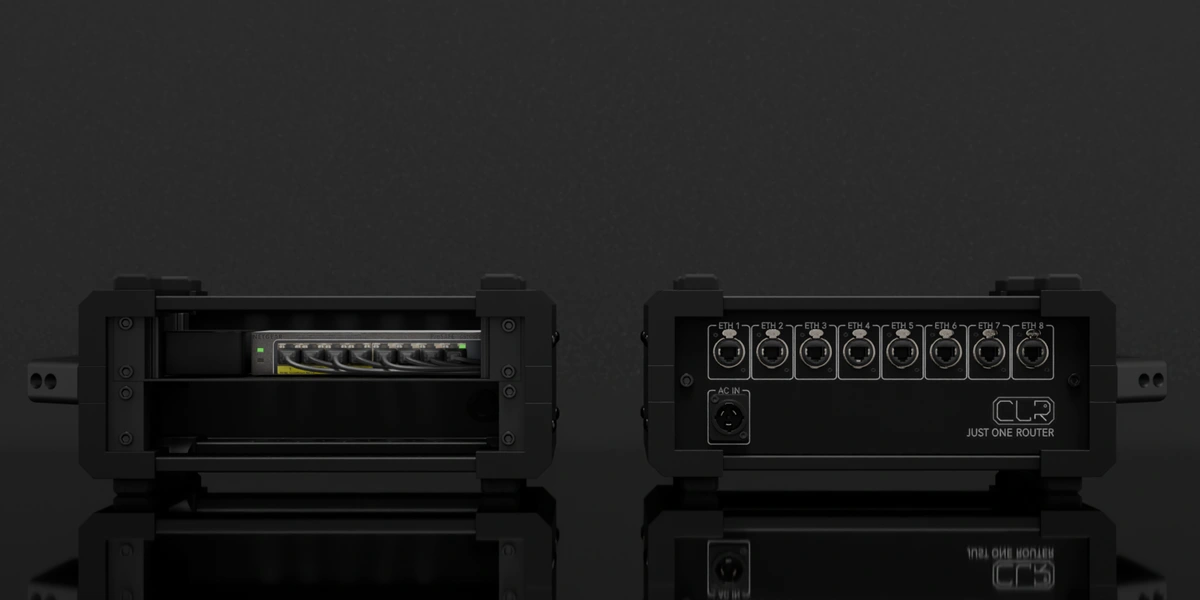
Also included: the CLR enclosure, fitted backplate, mounting hardware and internal power/signal patching for the agreed reference build. Product pictures identify the equipment family; final models and variants follow your quotation.
Ready to connect
Configured kit
A power lead matched to the rack inlet and the regional plug agreed for your build. TRUE1 lead shown as a reference.
Your configuration sets the packing list — The rack hardware is listed here. Microphone transmitters, capsules, bodypack receivers, earpieces, external antennas and batteries are supplied only in the quantities and regional variants agreed with your configuration. An external CP Beam antenna is an option, not an included item. The illustrated backplate has one AC IN connector; final power backup arrangements are specified separately. Travel bags and cases are optional transport choices, not included by default.
Technical specifications
Reference configuration: two Shure PSM 900 transmitters and one RF Venue COMBINE6 HDR. Frequency variants and accessories are selected for your show.
The CP Beam is an optional antenna, not an included-item promise. Antenna gain focuses RF energy; it is not additional transmitter power or a guaranteed operating distance.
RF setup: Keep transmitter output within the combiner’s 60 mW input limit and the permitted local radiated-power limit. The illustrative render’s 100 mW display is not a recommended setting for this configuration.
Manufacturer references: Shure PSM 900 manual ↗ · COMBINE6 HDR specifications ↗ · CP Beam specifications ↗
Regions & frequency variants
PSM 900 is a product family, not one worldwide frequency range. P9T transmitters and compatible bodypacks come in frequency-band variants. For example, G6E covers 470–506 MHz and G7E covers 506–542 MHz; other variants cover different ranges and offer different RF-power settings.
Choose the transmitter and receiver variants together, with a usable frequency overlap inside the combiner and antenna bandwidth. A wideband antenna cannot extend a transmitter’s tuning range.
Before an international tour, check every destination’s current frequency permissions, licensing requirements and radiated-power limits with the local RF coordinator or relevant authority. A tunable frequency is not automatically legal or clear at every venue. Some itineraries may require different regional equipment; no single variant is promised to cover every country.
Plan your touring configuration →Portable by design
4U reference format. Plan a protective Peli case around the complete build.
01 / Peli case

A fitted Peli case adds rigid protection, with an insert and accessory space planned for your complete rack.
Optional transport, configured to order. These drawings illustrate travel formats, not this rack’s exact insert or included accessories. Final packed dimensions and weight are confirmed with your build. Airline cabin acceptance depends on the carrier’s current rules.
The rear patch
The drawing shows the reference connector layout, not every connection on each internal device. Final routing, cable types and regional equipment variants are confirmed for your build.
Suggested add-ons
Optional additions, not part of the packing list above. We confirm compatibility with your system.
Build yours
We’ll configure your In Ears Analog around your specific needs.