Configured kit
Power
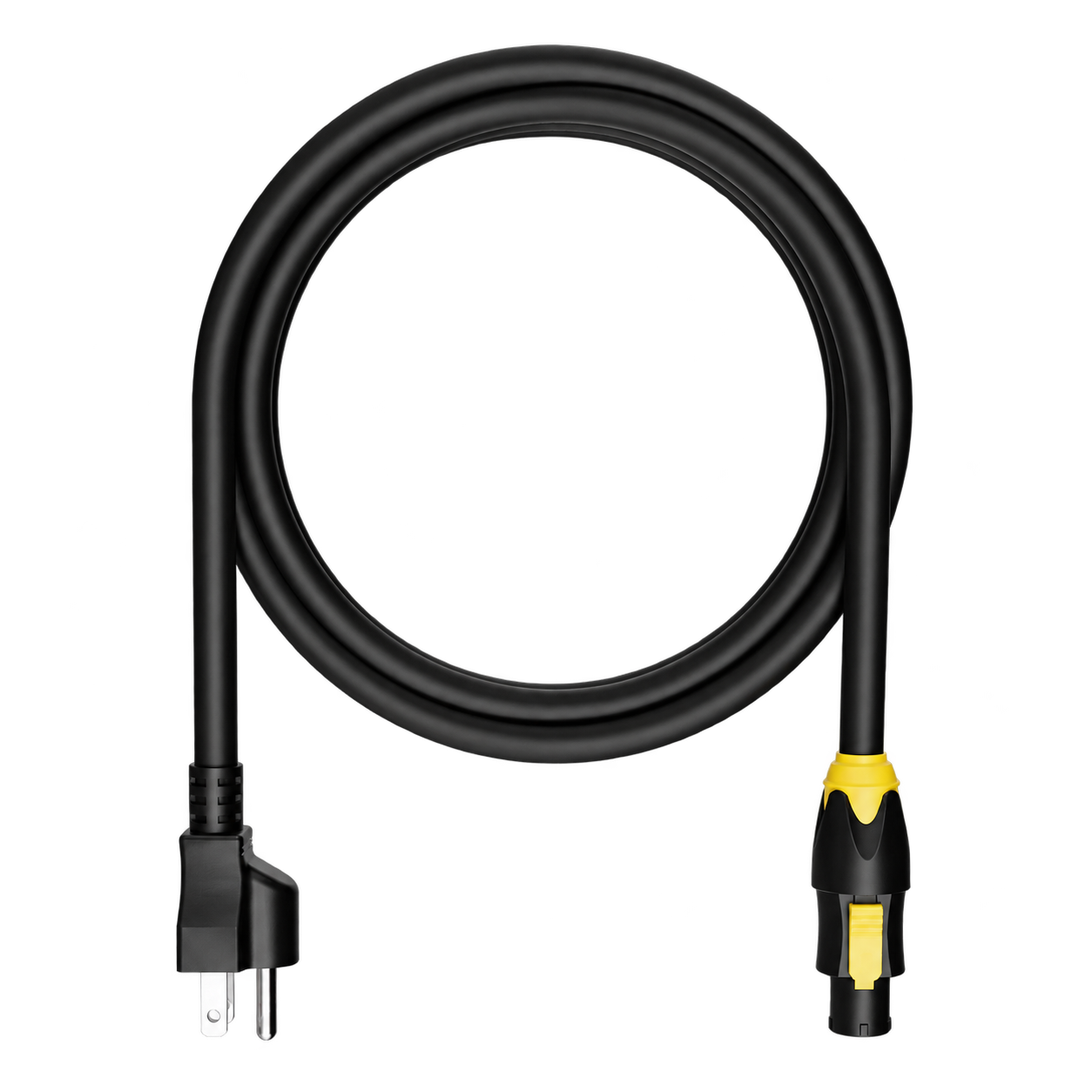
A power lead matched to the rack inlet and the regional plug agreed for your build. TRUE1 lead shown as a reference.
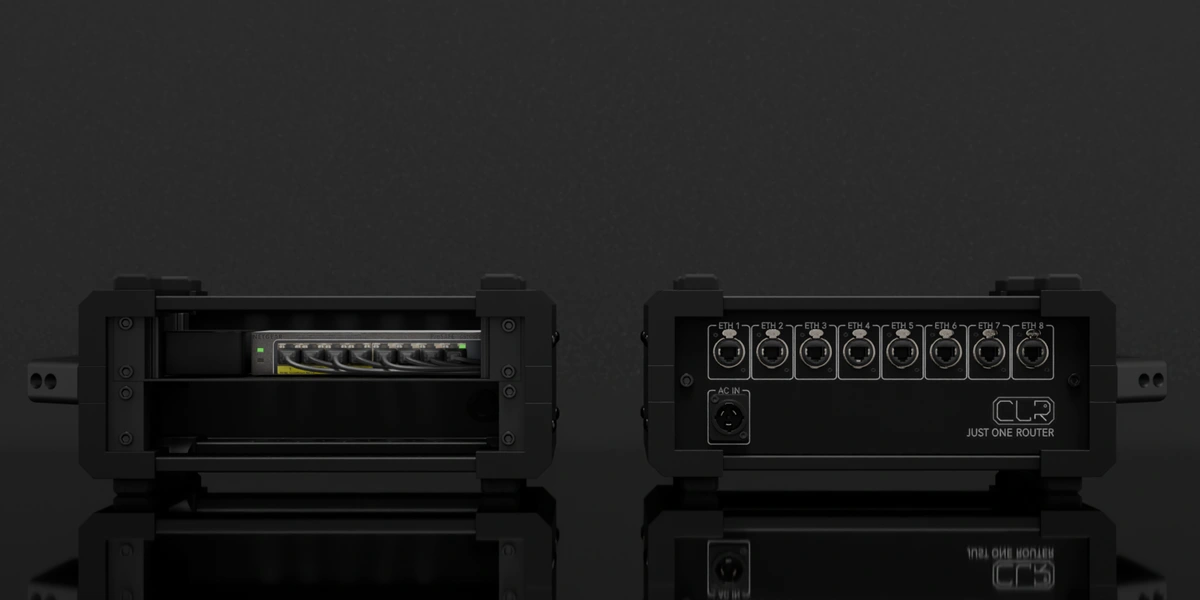
Utility rack · 2U
Bring your show network together—eight Ethernet connections on one clear rear patch.
The complete packing list
The rack hardware and the essentials that travel with it—configured for your system.
The reference build
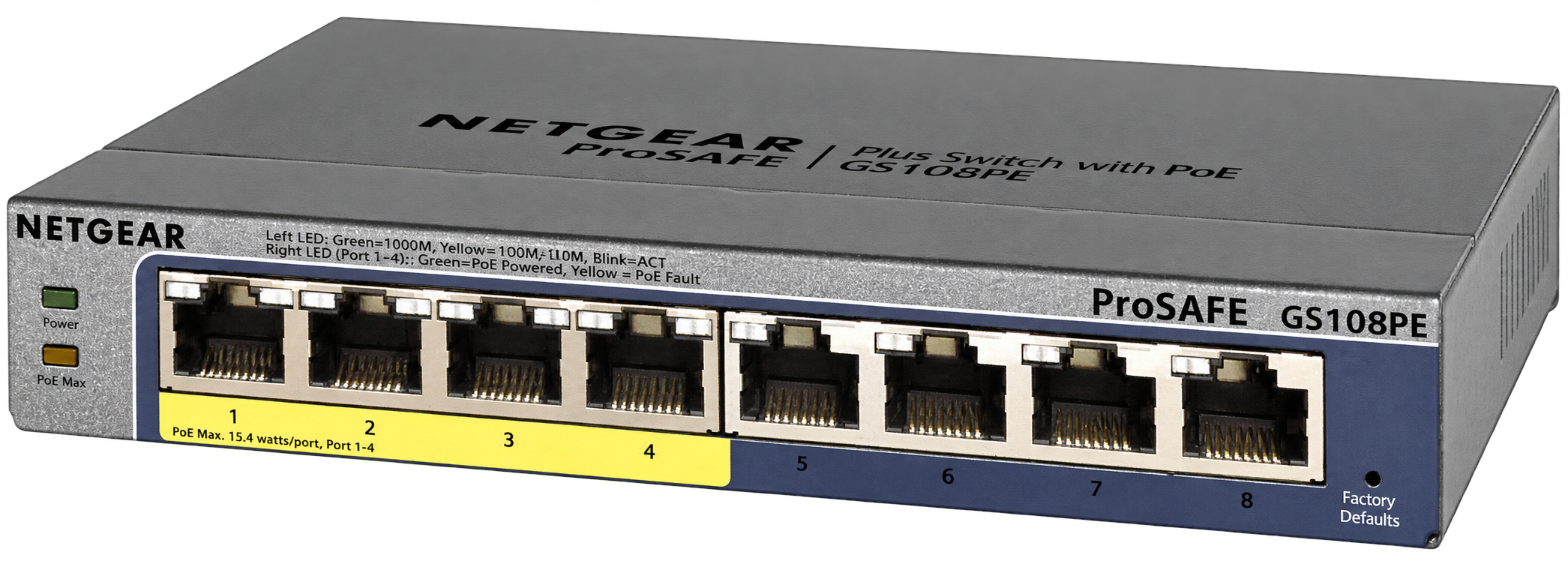
One NETGEAR ProSAFE switch in the reference build. The exact model, revision, management features and any PoE budget are confirmed for your order.
The power supply and internal wiring for this rack’s reference build. Final ratings follow the selected equipment.
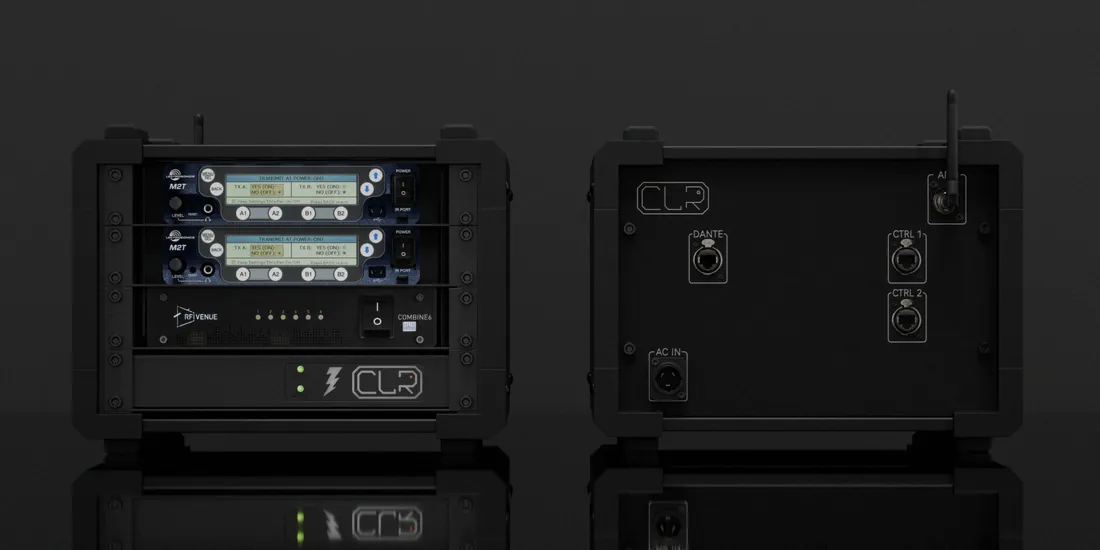
Also included: the CLR enclosure, fitted backplate, mounting hardware and internal power/signal patching for the agreed reference build. Product pictures identify the equipment family; final models and variants follow your quotation.
Ready to connect
Configured kit
A power lead matched to the rack inlet and the regional plug agreed for your build. TRUE1 lead shown as a reference.
Your configuration sets the packing list — The product name does not imply Wi-Fi, DHCP, firewalling or internet/NAT routing. The reference build is a network switch rack. External Ethernet leads and connected show devices are specified separately; one uplink uses one of the eight ports. Travel bags and cases are optional transport choices, not included by default.
Technical specifications
The illustrated reference build is a 2U, eight-port switch rack. The installed switch revision, power requirements and port configuration are confirmed for your order.
The product name is Just One Router; the pictured hardware is a network switch. Routing between networks, wireless access and Internet connectivity require the appropriate additional equipment.
Network planning
Start with the devices and their jobs: show control, network MIDI, audio or a combination. Agree the IP addressing, uplinks, port labels and any VLAN separation before the rack goes on the road. A switch alone does not assign addresses or establish audio routes.
For Dante, select and configure the switch for the actual audio topology. Audinate recommends suitable wired Ethernet infrastructure and disabling Energy Efficient Ethernet on Dante ports; QoS and multicast settings depend on the network. The reference render is not a Dante qualification for an unidentified switch revision.
If you need Power over Ethernet, check the exact switch revision, the power requirement of each device and the combined load. The number of panel sockets does not tell you which ones supply PoE, and a PoE-capable switch does not necessarily support PoE+.
Planning reference: Audinate network and switch guidance ↗
Plan your network configuration →Portable by design
2U reference format. Choose a fitted bag or a Peli case for your compact build.
01 / Backpack
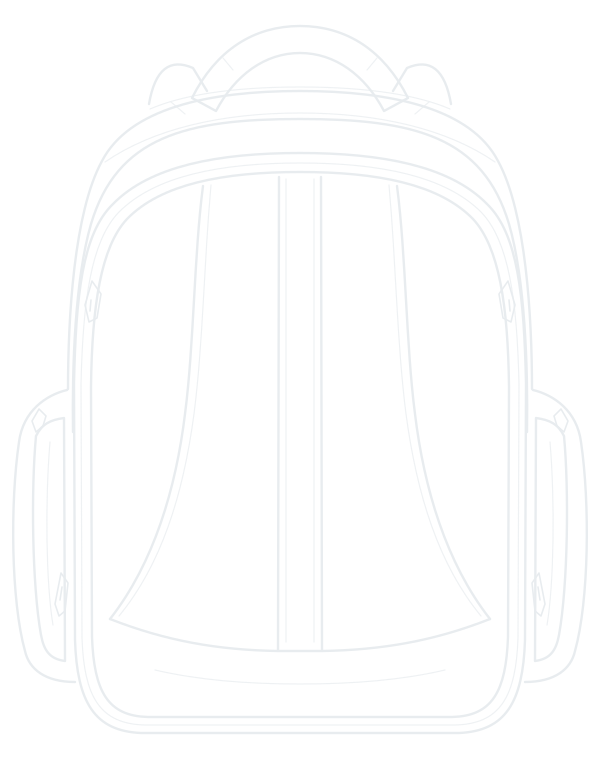
A fitted bag is a transport option for builds up to 3½U. Keep the compact rack together from rehearsal to the stage.
02 / Peli case

A fitted Peli case adds rigid protection, with an insert and accessory space planned for your complete rack.
Optional transport, configured to order. These drawings illustrate travel formats, not this rack’s exact insert or included accessories. Final packed dimensions and weight are confirmed with your build. Airline cabin acceptance depends on the carrier’s current rules.
The rear patch
The drawing shows the reference connector layout, not every connection on each internal device. Final routing, cable types and regional equipment variants are confirmed for your build.
Suggested add-ons
Optional additions, not part of the packing list above. We confirm compatibility with your system.
Build yours
We’ll configure your Just One Router around your specific needs.