Configured kit
Power
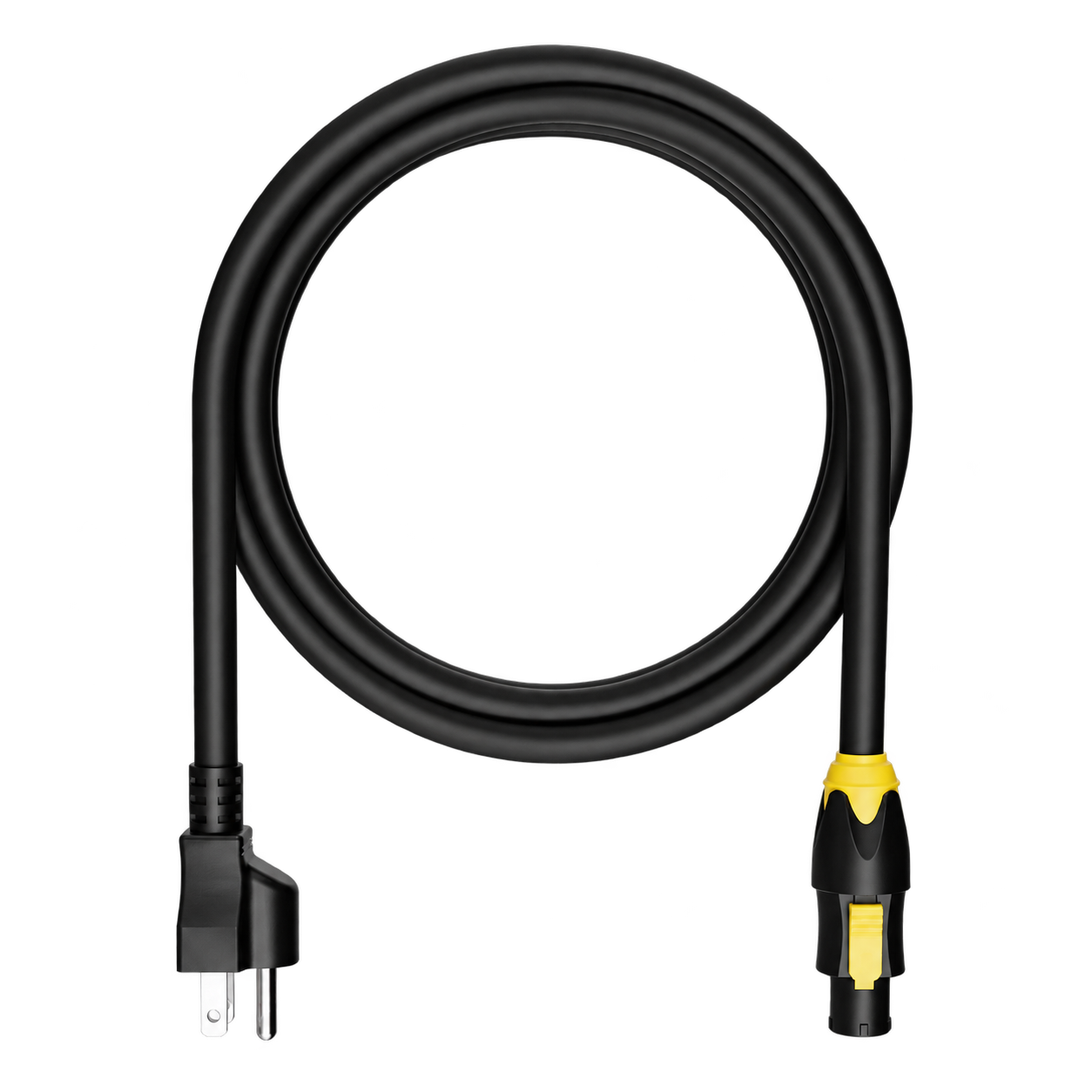
A power lead matched to the rack inlet and the regional plug agreed for your build. TRUE1 lead shown as a reference.

Performance system · 2U
One RME interface. A clear rear patch. Your audio setup, ready to connect.
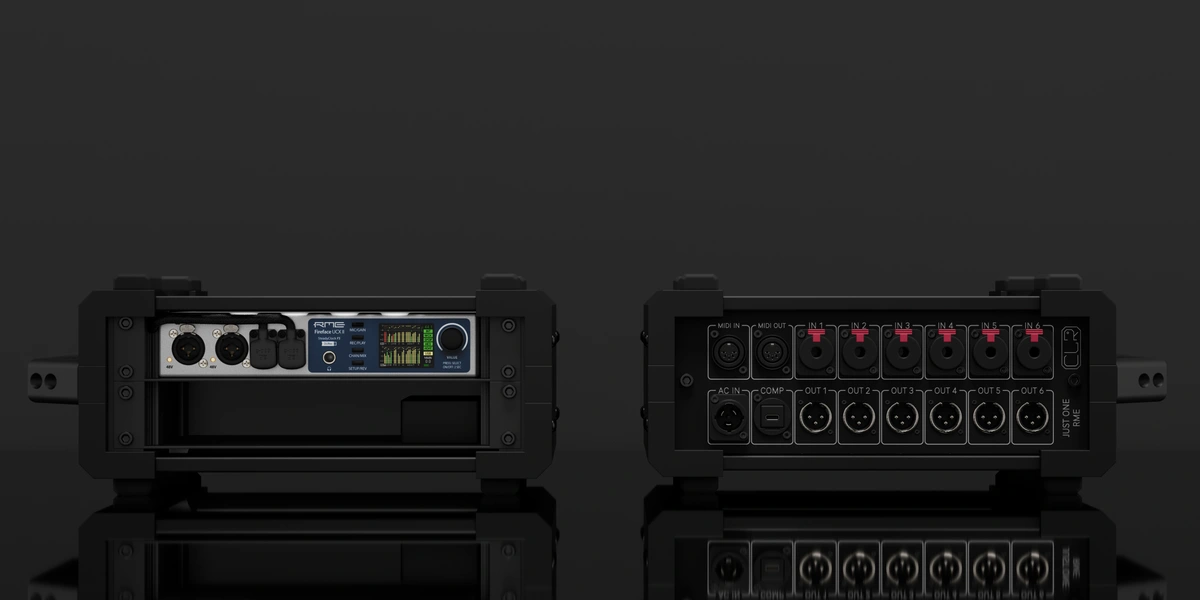
The complete packing list
The installed rack hardware and the essentials for your chosen computer setup.
Showing: Laptop configuration · Change computer option ↓
The reference build
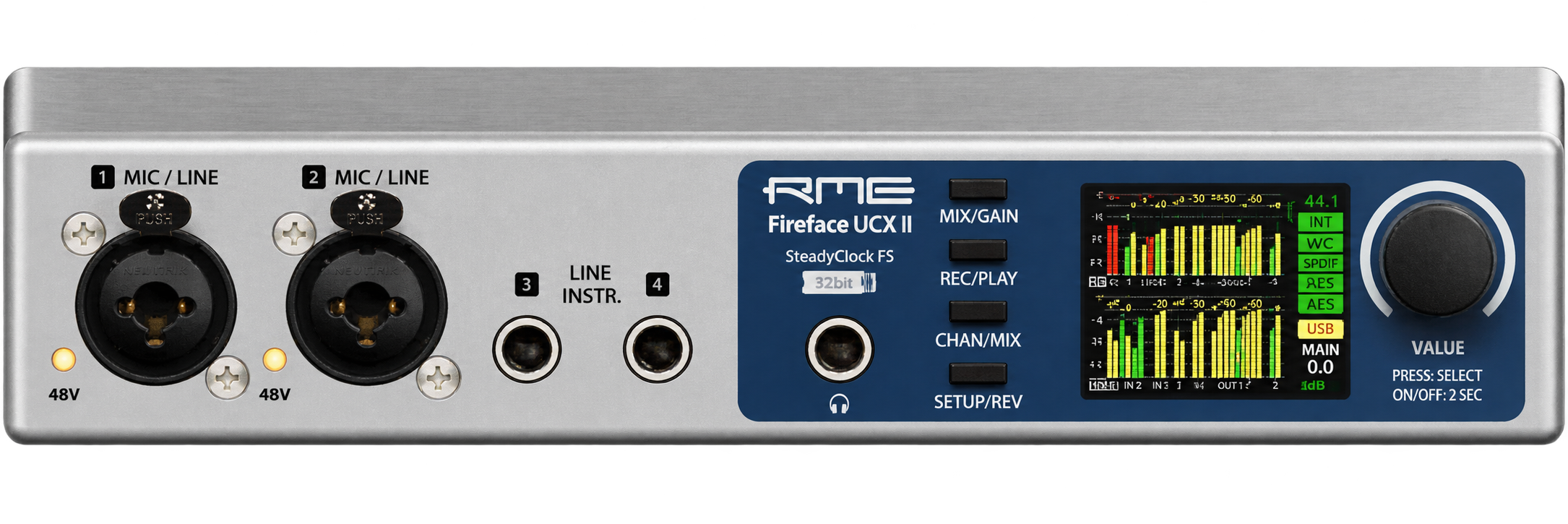
A single Fireface UCX II for audio I/O, TotalMix routing and the selected computer’s playback and processing.
The power supply and internal wiring for this rack’s reference build. Final ratings follow the selected equipment.
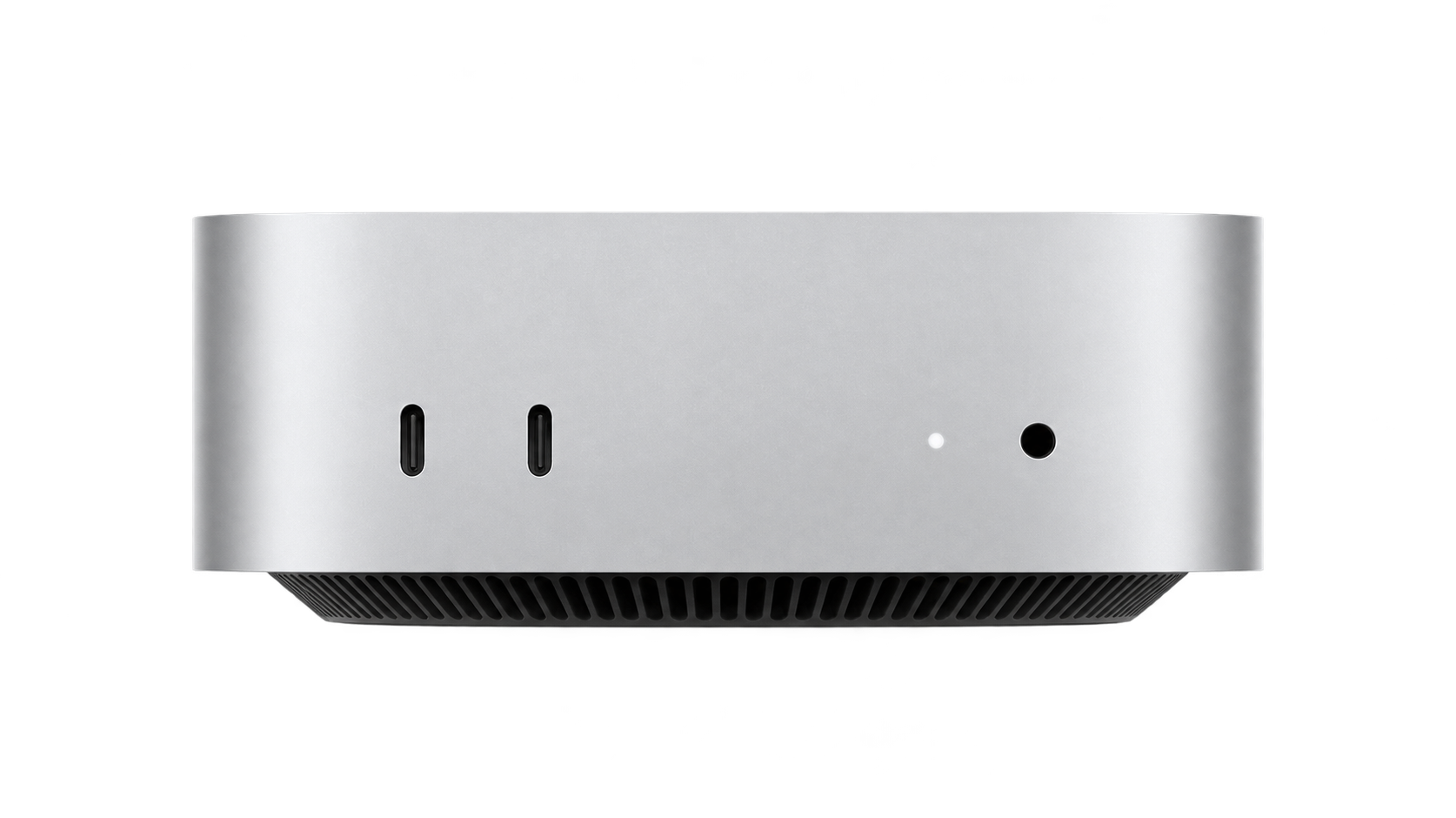
One rack-mounted Mac mini in the internal-computer build. Model, mounting and final rack height are agreed with your configuration.
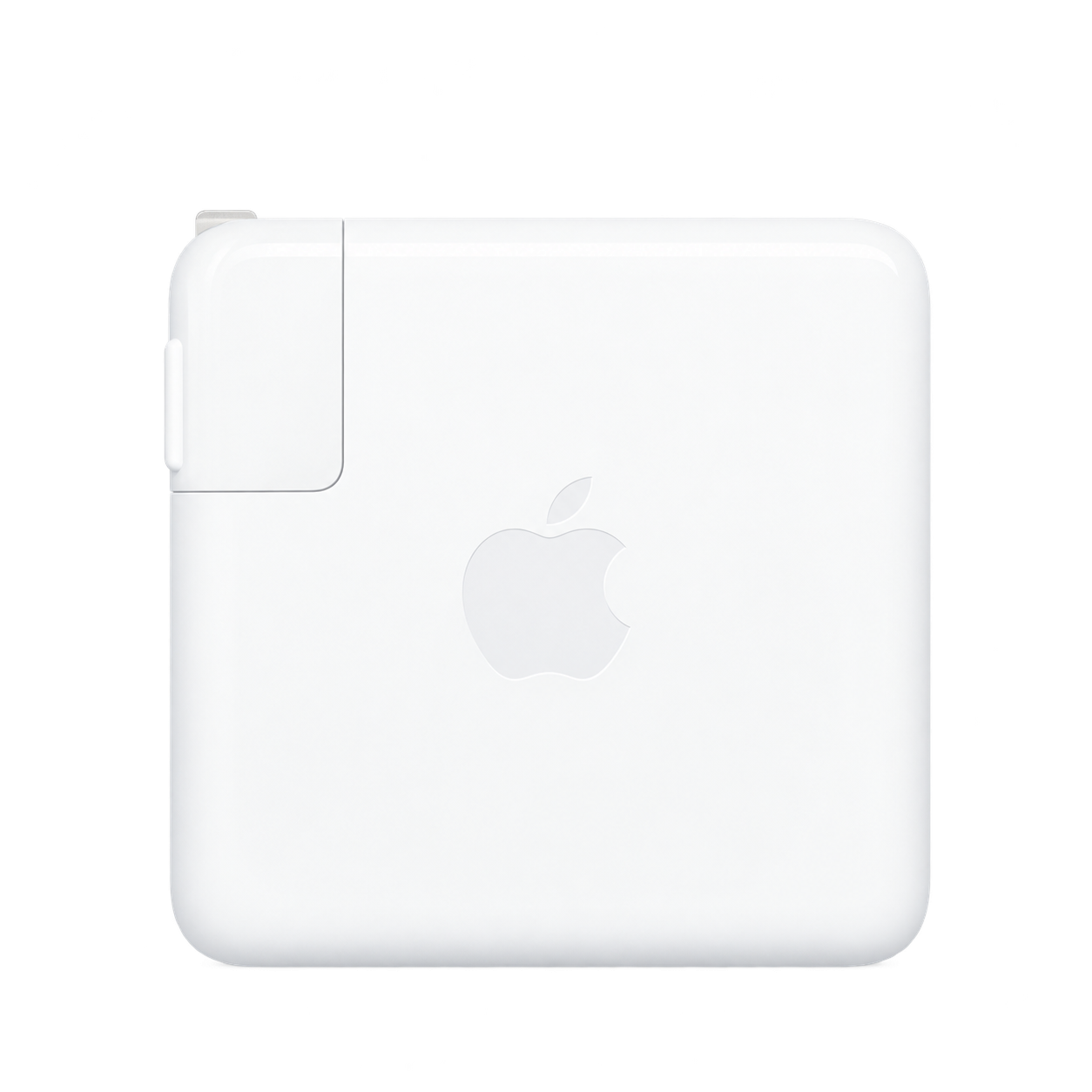
In the laptop build, a charger matched to your Mac is integrated into the system. The laptop itself is not included unless specified.
Also included: the CLR enclosure, fitted backplate, mounting hardware and internal power/signal patching for the agreed reference build. Product pictures identify the equipment family; final models and variants follow your quotation.
Ready to connect
Configured kit
A power lead matched to the rack inlet and the regional plug agreed for your build. TRUE1 lead shown as a reference.
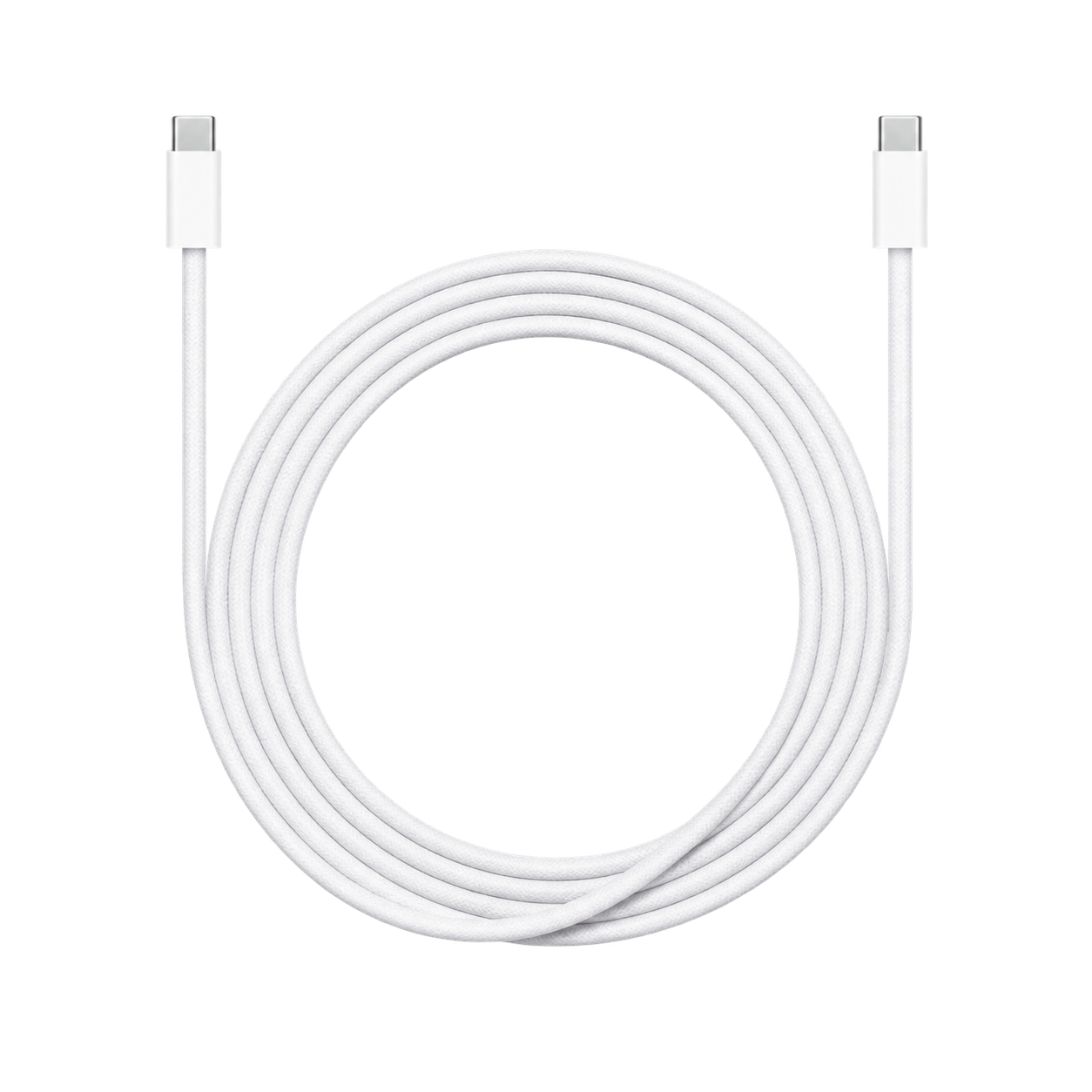
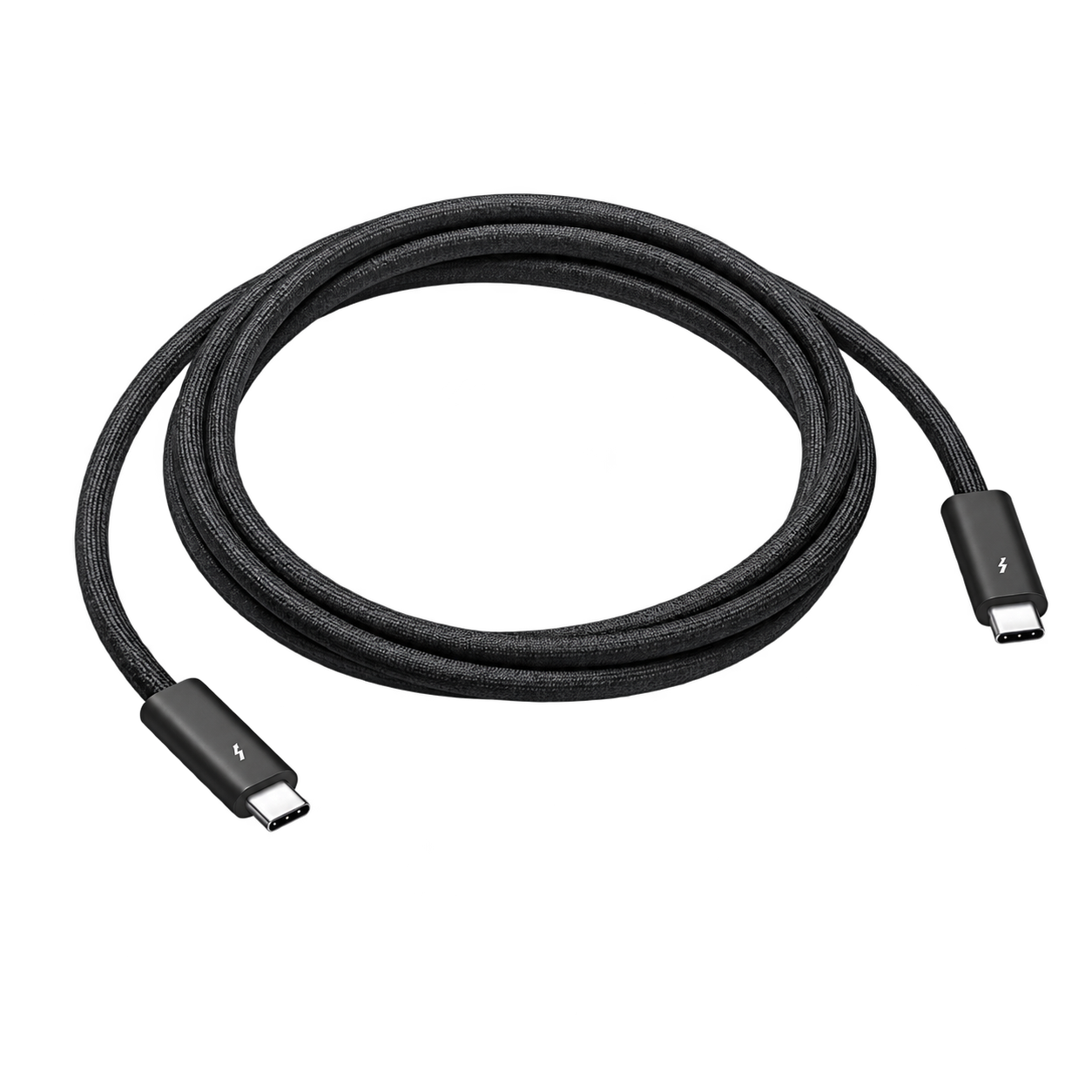
Laptop configuration
The charging and data leads required by your selected Mac and interface. Cable protocol, connectors and charging rating are matched to the build.
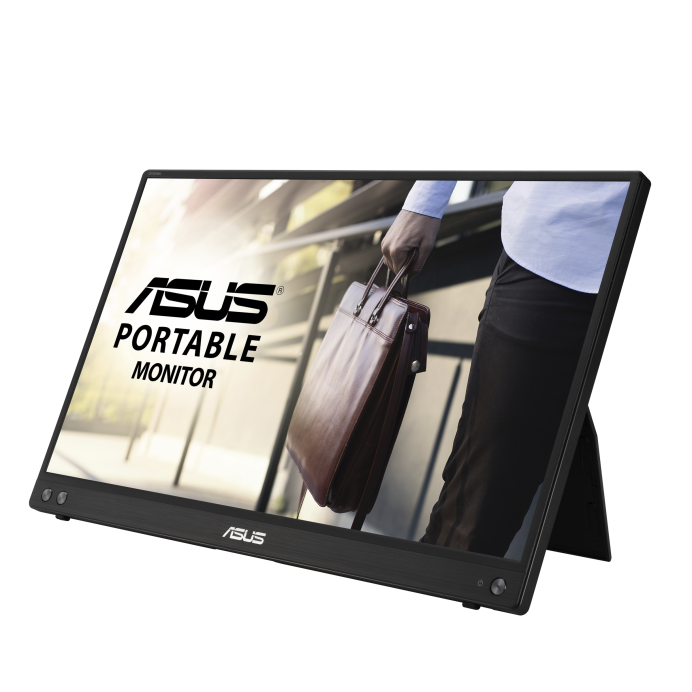
Mac mini configuration
A portable display and the cables needed for the chosen Mac mini. Final display model and connection are confirmed with the build.
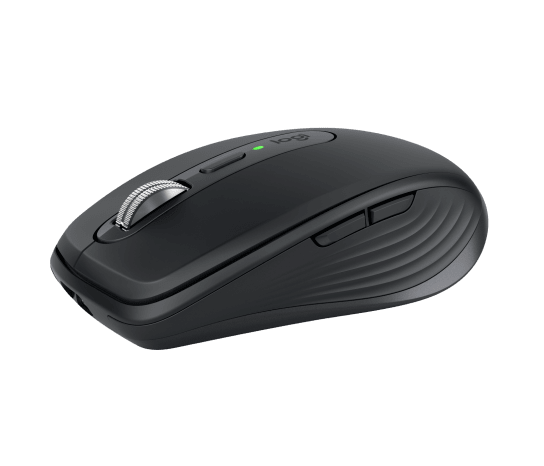
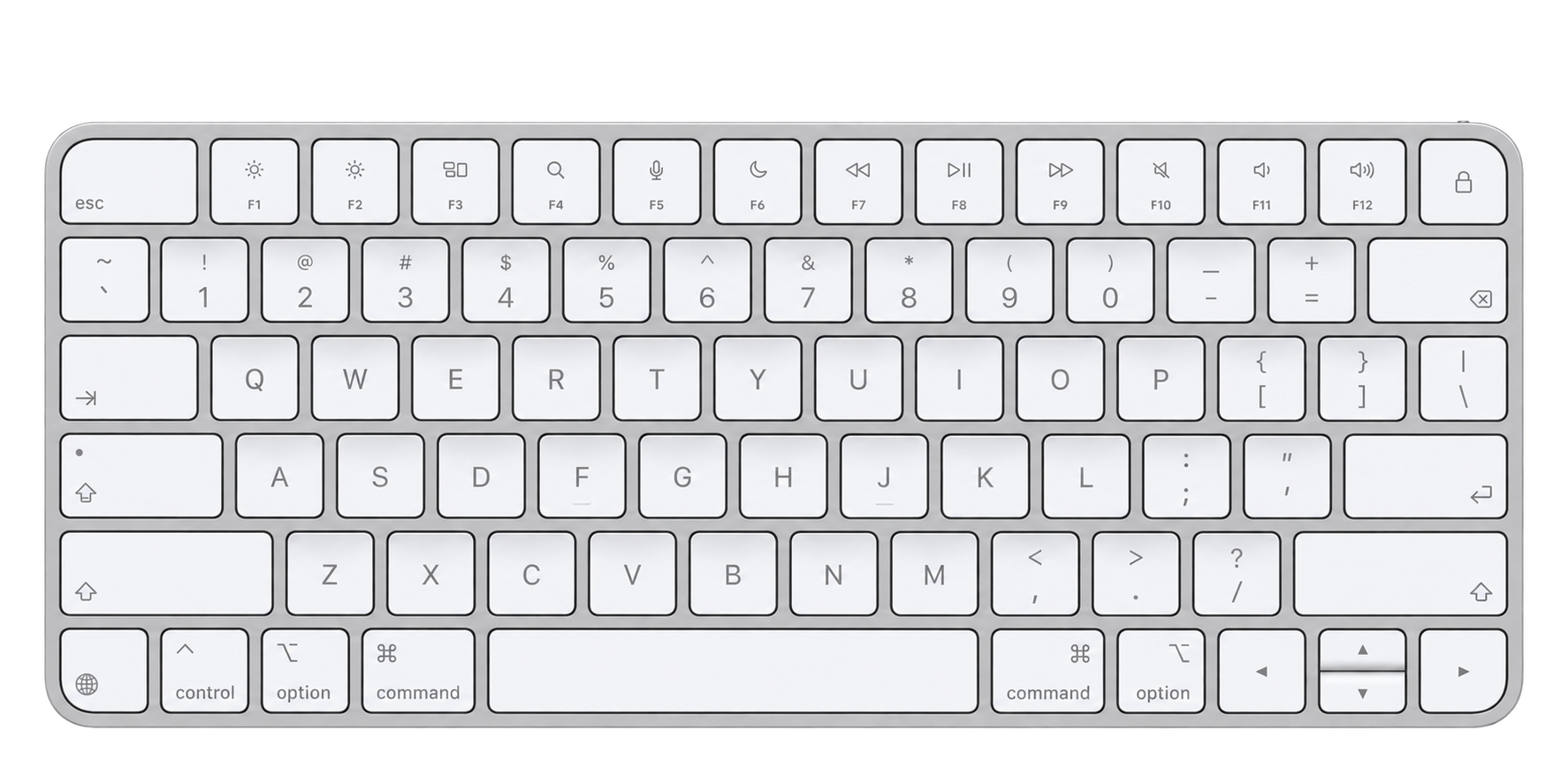
Mac mini configuration
A compact keyboard and mouse for the rack-mounted computer, with final models agreed in your configuration.
Your configuration sets the packing list — The reference rack contains one interface and its power supply, not a network switch, wireless system or backup audio engine. An internal Mac mini is an alternative build and its mounting and rack height are confirmed separately. Software and external instruments are not included unless specified. Travel bags and cases are optional transport choices, not included by default.
Built around your act
Use the UCX II as the interface for a focused playback, vocal or instrument-processing session.
Bring analog audio and DIN MIDI together around the inputs and outputs you use on stage.
Keep your configured TotalMix setup and physical patch organised between studio, rehearsal and the venue.

Portable by design
2U reference format. Choose a fitted bag or a Peli case for your compact build.
01 / Backpack
A fitted bag is a transport option for builds up to 3½U. Keep the compact rack together from rehearsal to the stage.
02 / Peli case

A fitted Peli case adds rigid protection, with an insert and accessory space planned for your complete rack.
Optional transport, configured to order. These drawings illustrate travel formats, not this rack’s exact insert or included accessories. An internal computer can change rack height and the available transport format. Final packed dimensions and weight are confirmed with your build. Airline cabin acceptance depends on the carrier’s current rules.
A single computer runs the show. Choose your own external Mac laptop or a rack-mounted Mac mini; compatibility and the final chassis size are confirmed with the build. Standalone TotalMix operation can also be planned without a connected computer.
Use your compatible laptop outside the rack. The configured charger and data cabling stay with the system; the laptop is supplied separately unless agreed.
The rear patch
The drawing shows the reference connector layout, not every connection on each internal device. Final routing, cable types and regional equipment variants are confirmed for your build.
Suggested add-ons
Optional additions, not part of the packing list above. We confirm compatibility with your system.
Build yours
We’ll configure your Just One RME around your specific needs.