Configured kit
Power
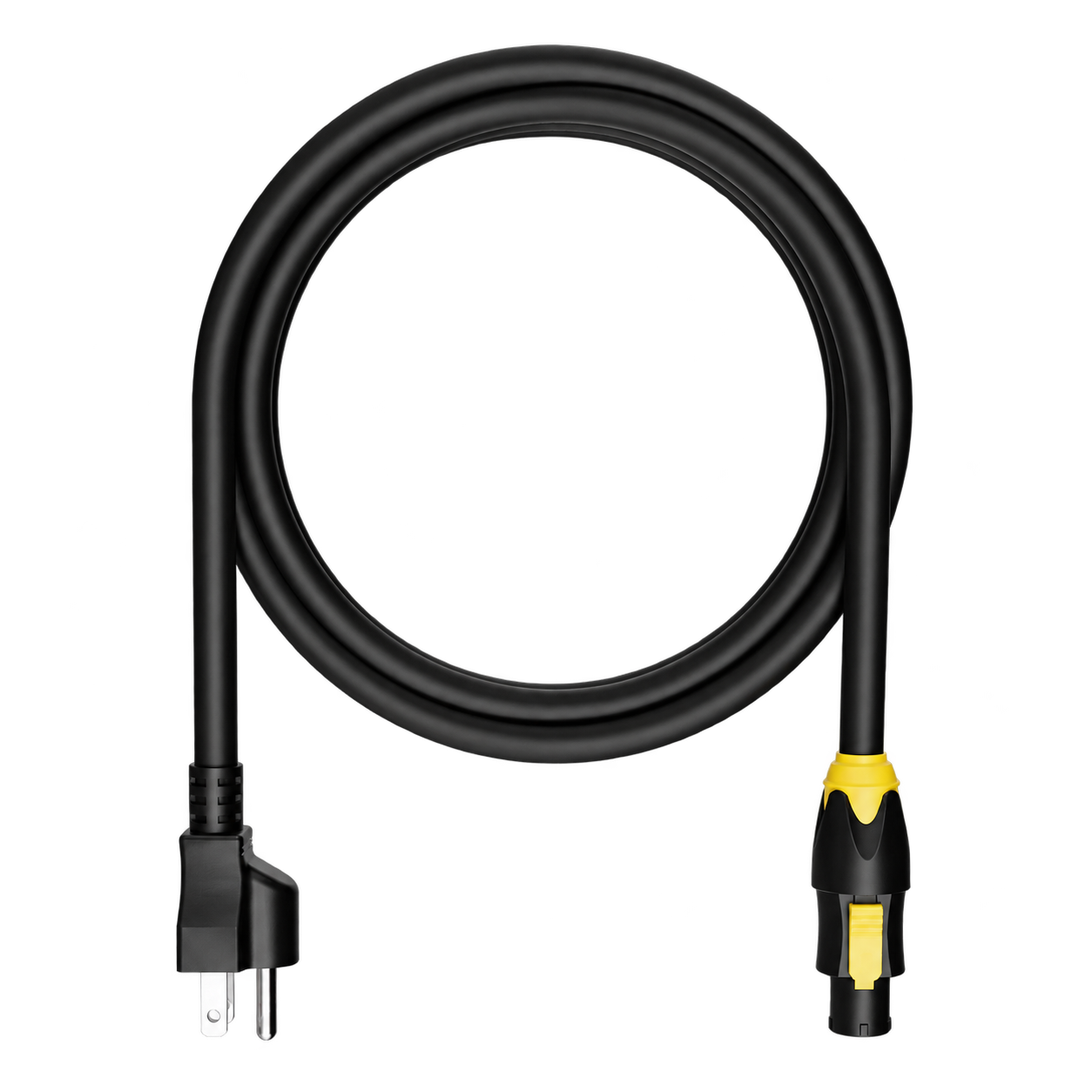
A power lead matched to the rack inlet and the regional plug agreed for your build. TRUE1 lead shown as a reference.

Performance system · 3½U
Your voice, your instrument, your whole show—in one compact 3½U live rig.
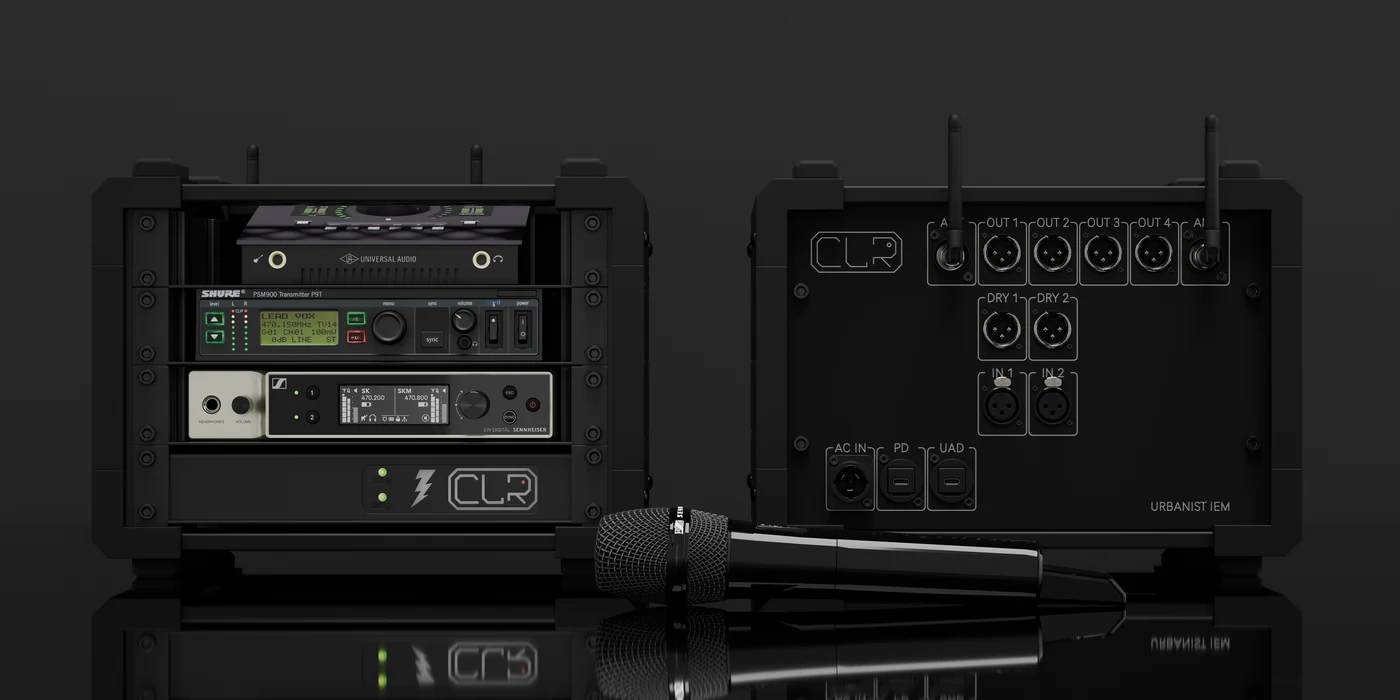
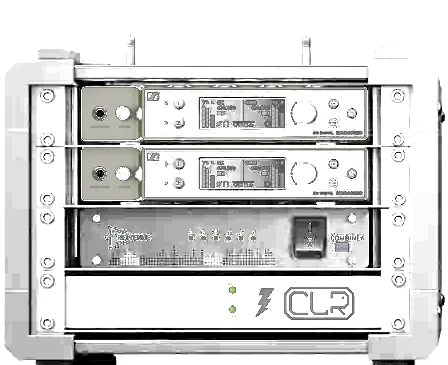
The front/rear product photo shows the earlier enclosure; the approved backplate drawing reflects the 3½U revision. The extra ½U is blank space at the top; connector positions are unchanged.
The complete packing list
The installed rack hardware and the essentials for your chosen computer setup.
Showing: Laptop configuration · Change computer option ↓
The reference build
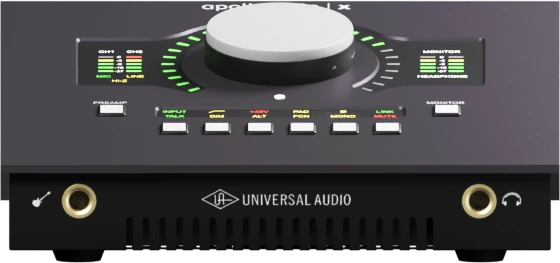
The reference audio interface for live voice and instrument processing, with four main analog feeds.
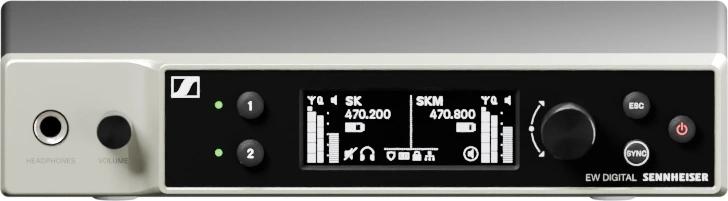
One dual-channel microphone receiver. Compatible transmitters, capsules and frequency band are selected for your setup.
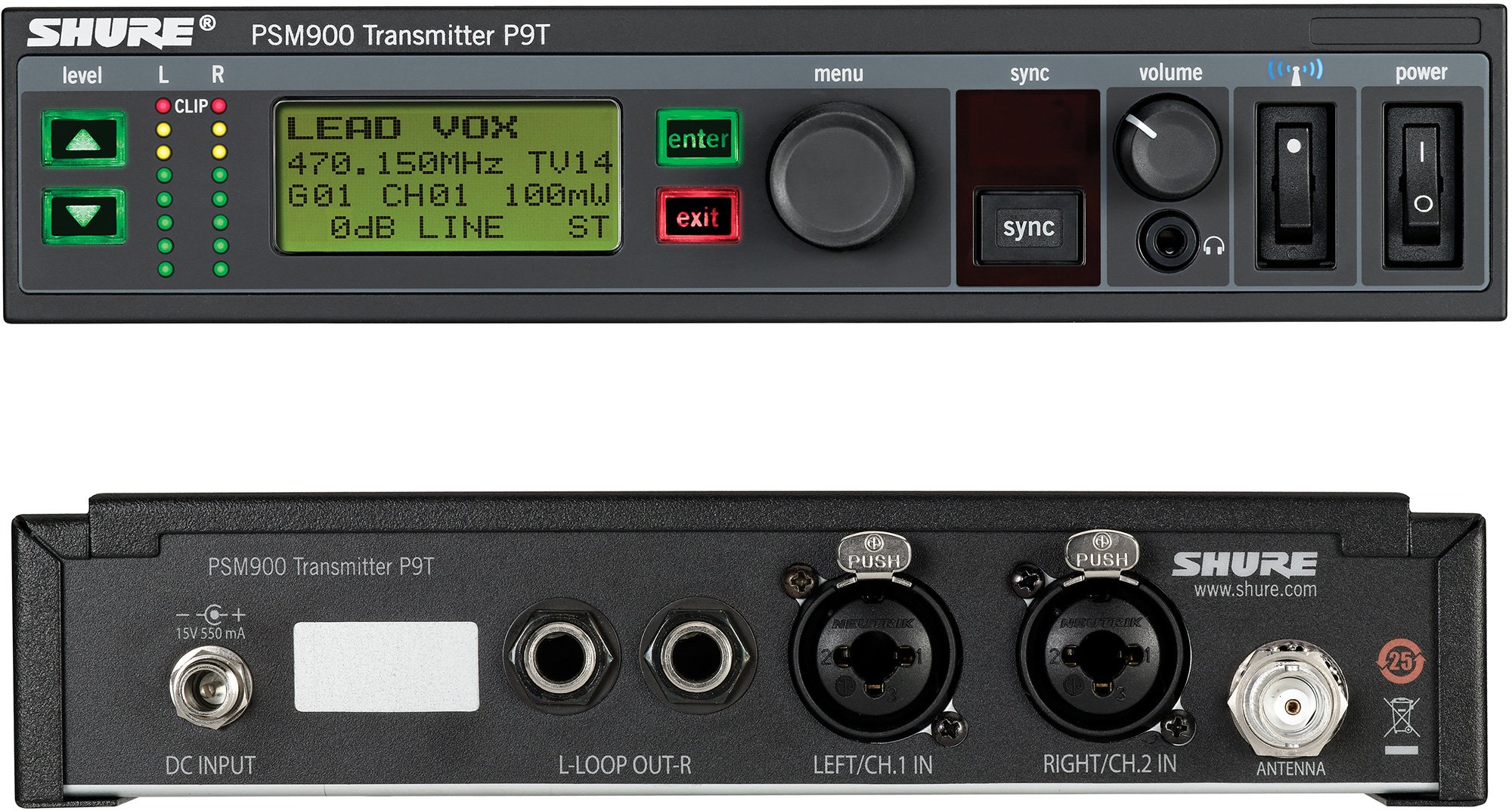
One stereo in-ear transmitter. Compatible bodypacks, earpieces and operating band follow your configuration.
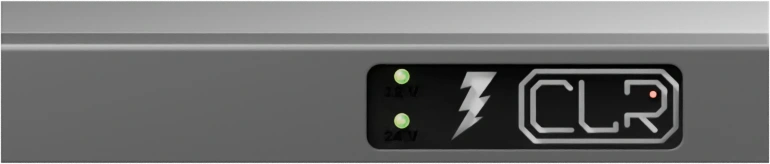
Rack-mounted power distribution and internal power wiring, specified for the installed equipment.
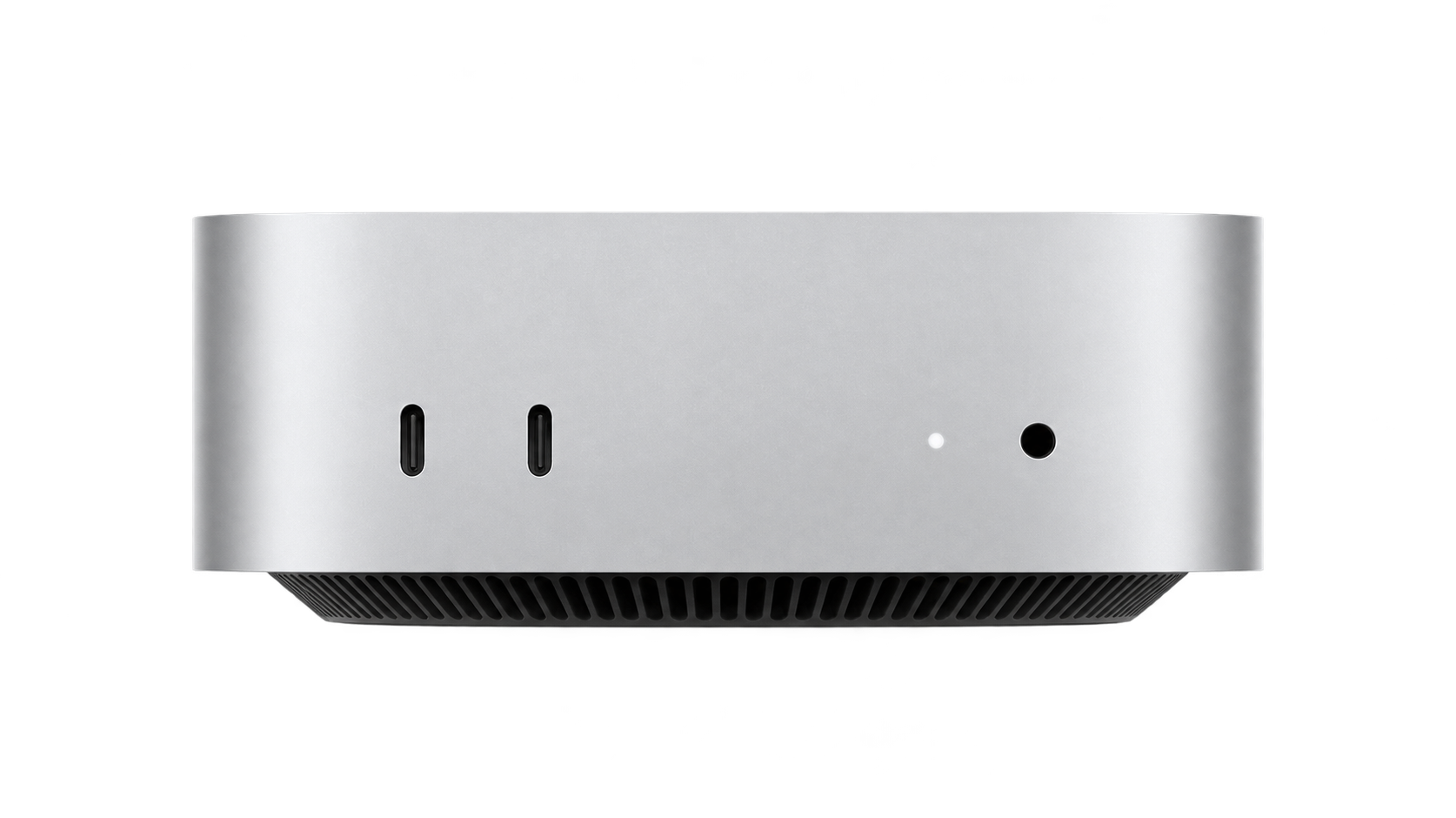
One rack-mounted Mac mini in the internal-computer build. Model, mounting and final rack height are agreed with your configuration.
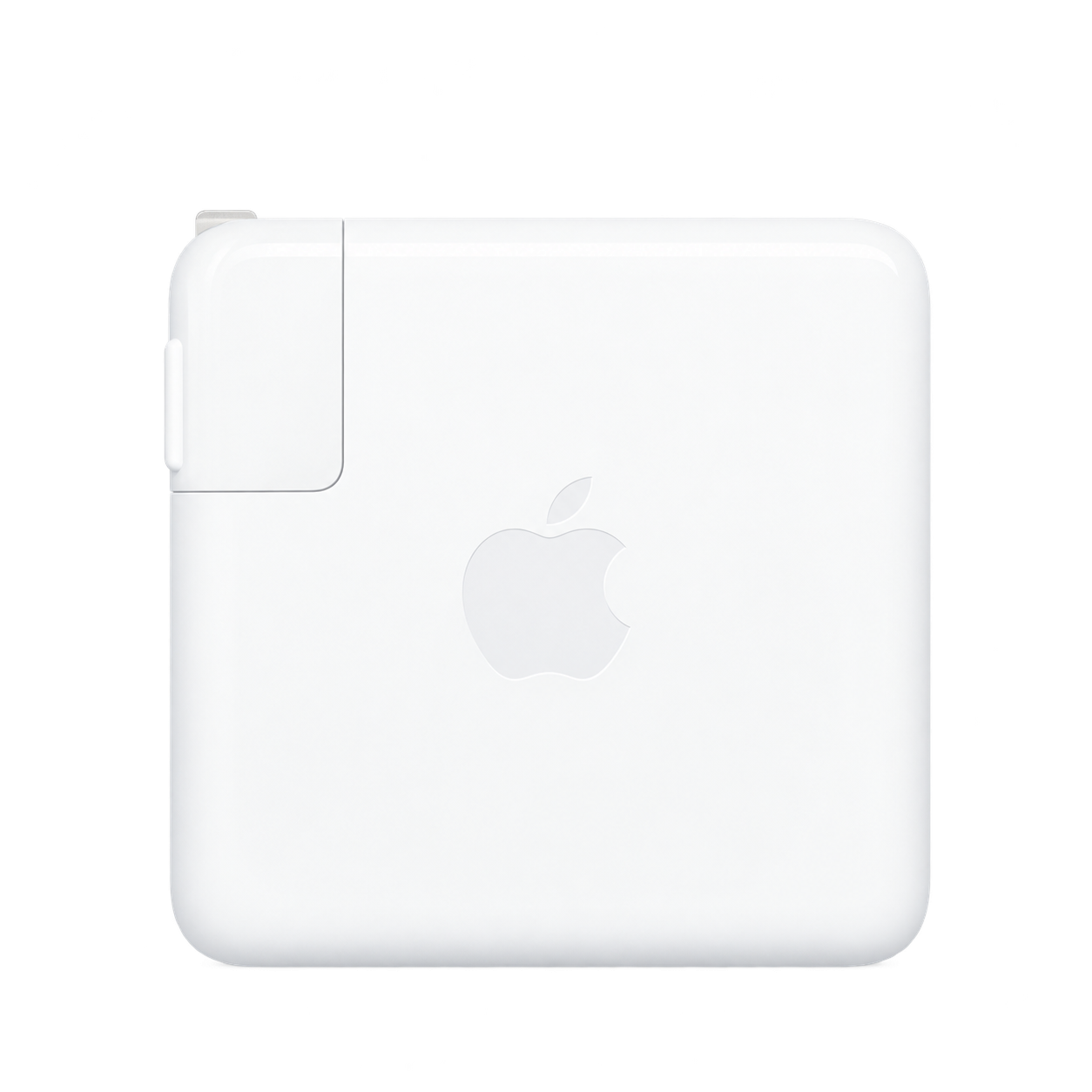
In the laptop build, a charger matched to your Mac is integrated into the system. The laptop itself is not included unless specified.
Also included: the CLR enclosure, fitted backplate, mounting hardware and internal power/signal patching for the agreed reference build. Product pictures identify the equipment family; final models and variants follow your quotation.
Ready to connect
Configured kit
A power lead matched to the rack inlet and the regional plug agreed for your build. TRUE1 lead shown as a reference.
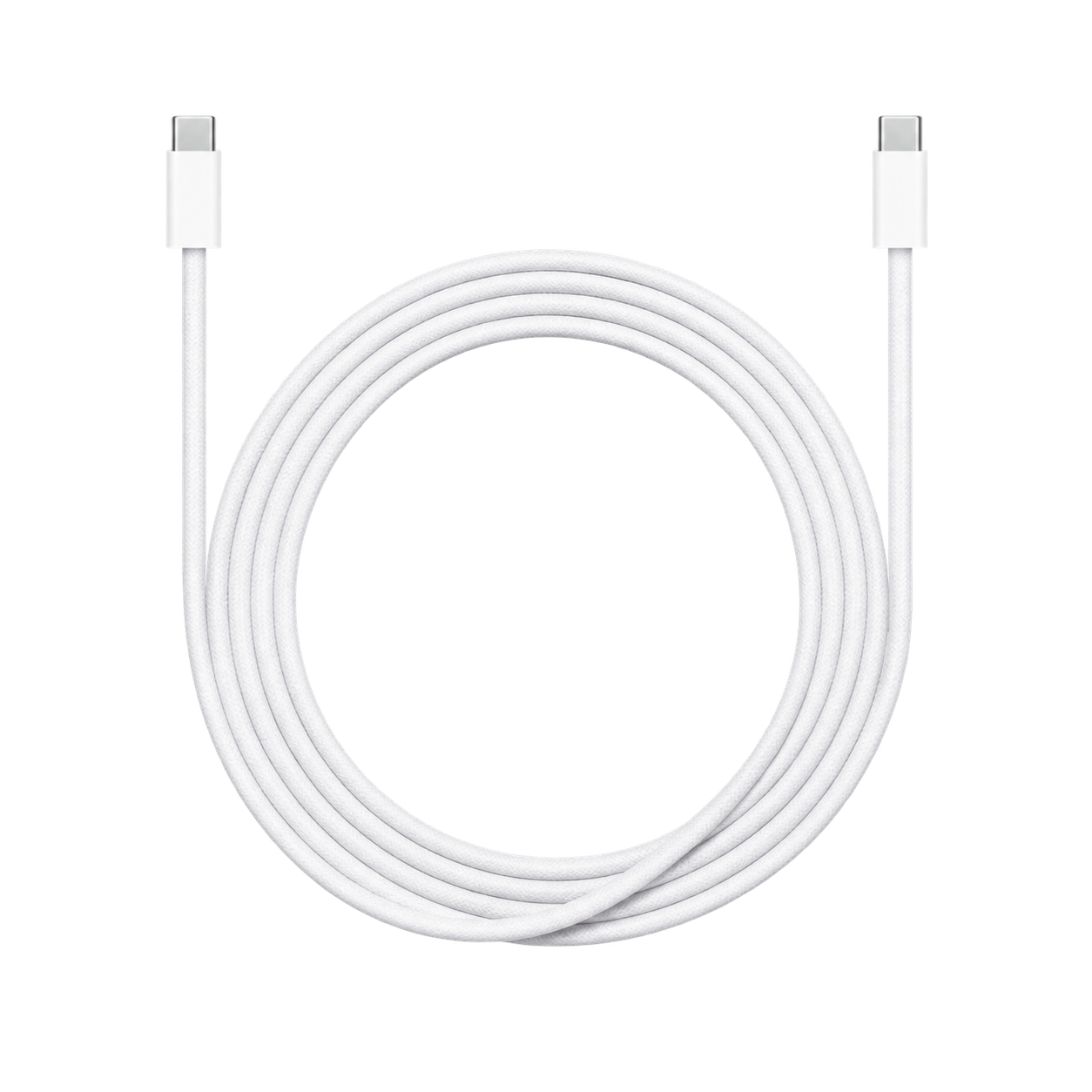
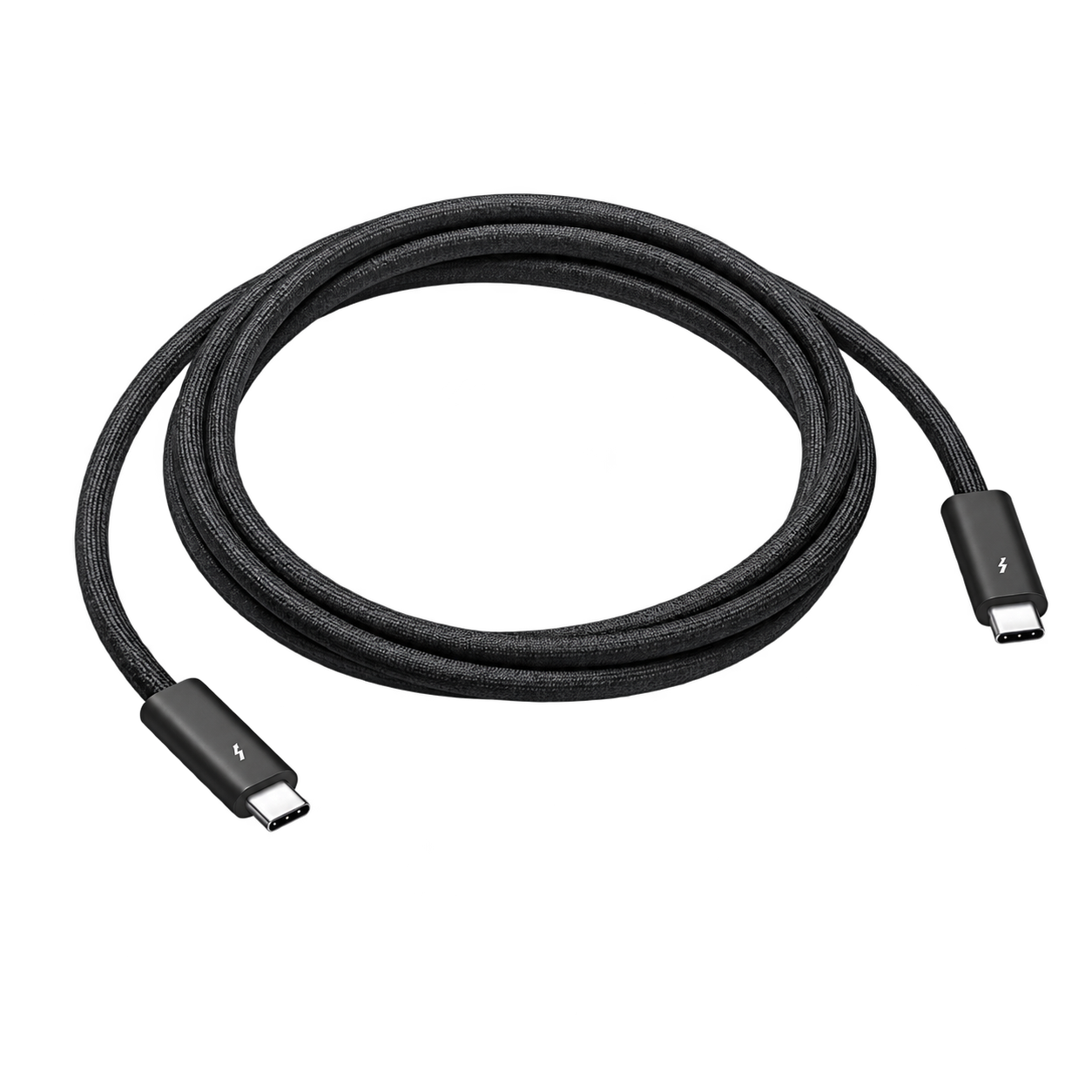
Laptop configuration
The charging and data leads required by your selected Mac and interface. Cable protocol, connectors and charging rating are matched to the build.
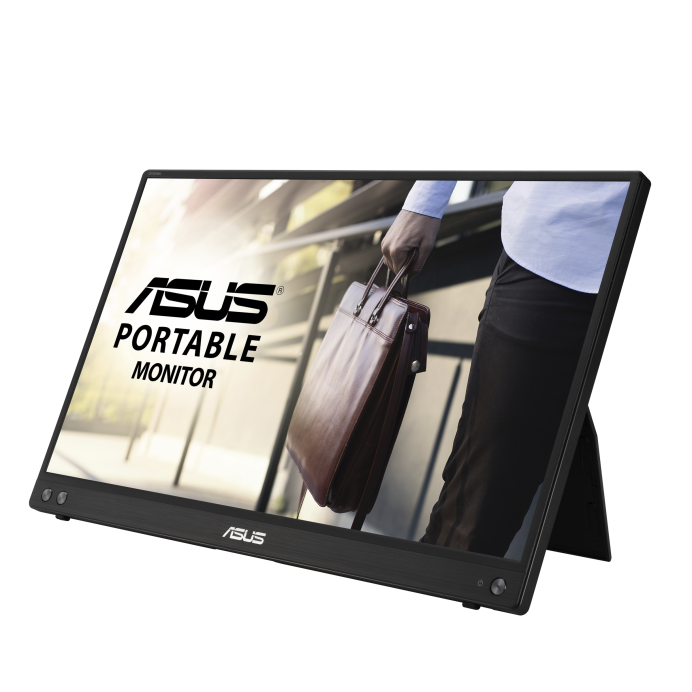
Mac mini configuration
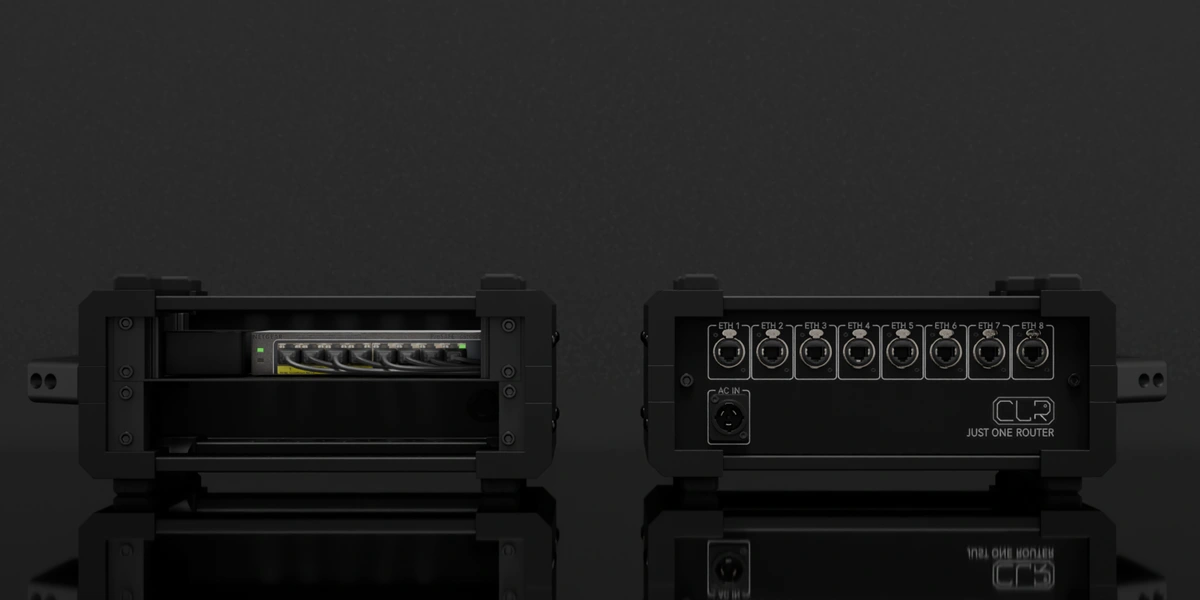
A portable display and the cables needed for the chosen Mac mini. Final display model and connection are confirmed with the build.
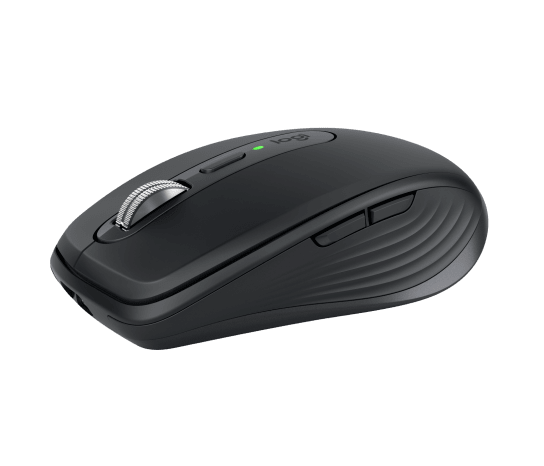
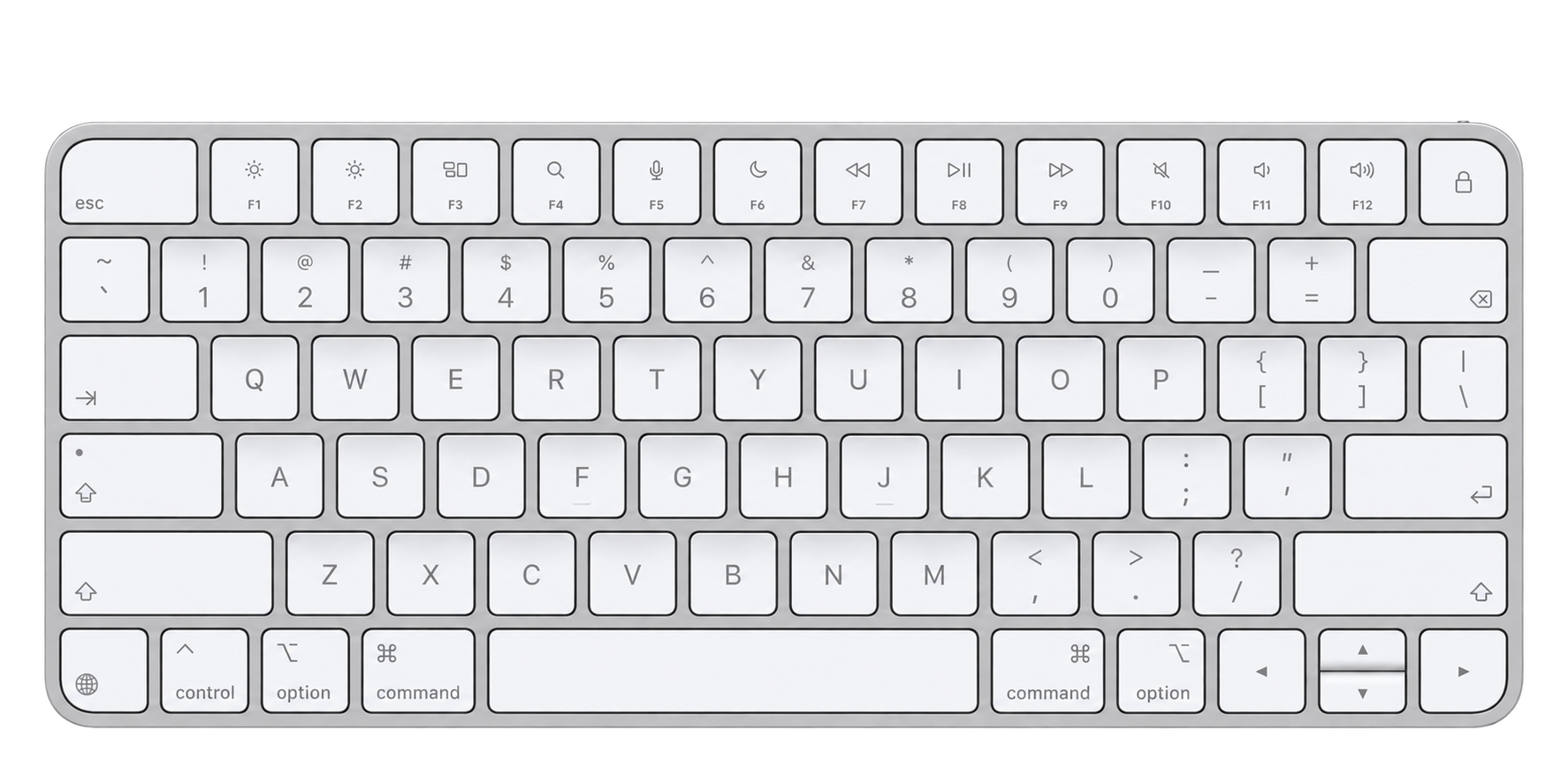
Mac mini configuration
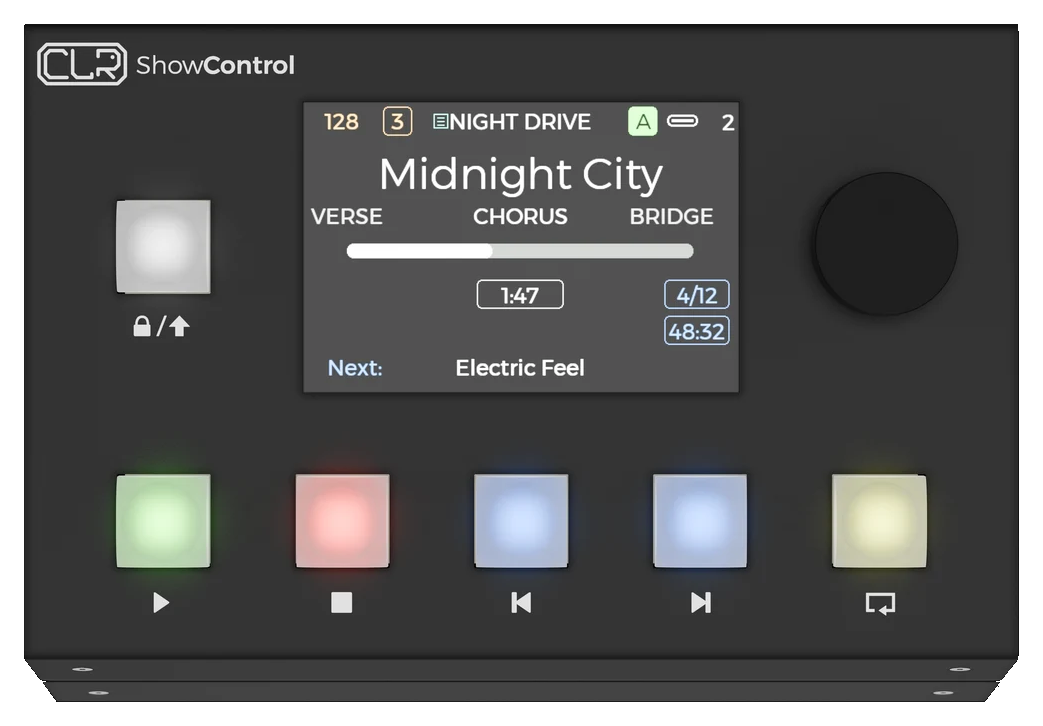
A compact keyboard and mouse for the rack-mounted computer, with final models agreed in your configuration.
Your configuration sets the packing list — The rack hardware is listed here. Microphone transmitters, capsules, bodypack receivers, earpieces, external antennas and batteries are supplied only in the quantities and regional variants agreed with your configuration. Compatible software and plug-in licences are specified separately. Redundant rack power does not provide automatic computer or playback failover. Travel bags and cases are optional transport choices, not included by default.
Built around your act
Bring the vocal chain, stereo backing tracks and your monitor mix together around your songs.
Keep voice and instrument processing separate, with four clear main feeds for front of house.
Build vocal and instrument layers in a compatible host, with optional foot control for your chosen looping workflow.

Portable by design
3½U reference format. Choose a fitted bag or a Peli case for your compact build.
01 / Backpack
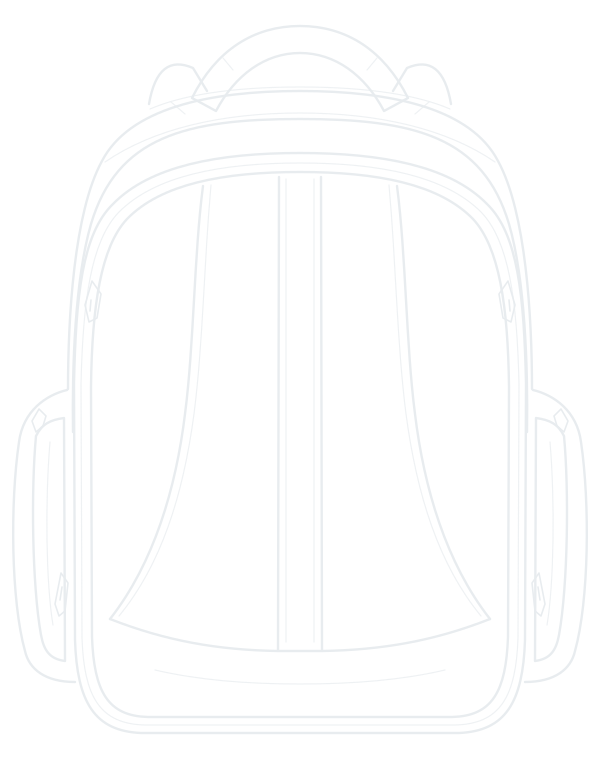
A fitted bag is a transport option for builds up to 3½U. Keep the compact rack together from rehearsal to the stage.
02 / Peli case

A fitted Peli case adds rigid protection, with an insert and accessory space planned for your complete rack.
Optional transport, configured to order. These drawings illustrate travel formats, not this rack’s exact insert or included accessories. An internal computer can change rack height and the available transport format. Final packed dimensions and weight are confirmed with your build. Airline cabin acceptance depends on the carrier’s current rules.
A single computer runs the show. Choose your own external Mac laptop or a rack-mounted Mac mini; compatibility and the final chassis size are confirmed with the build.
Use your compatible laptop outside the rack. The configured charger and data cabling stay with the system; the laptop is supplied separately unless agreed.
Voice & instrument processing
Keep the character of your voice and instrument when the performance becomes live.
From precise live tuning to a full vocoder part, The Urbanist is designed around the vocal sound that makes the song yours. Build a chain of pitch correction, dynamics, space and creative effects, then bring it into the live set alongside your backing tracks.
For a singer-guitarist, the second live input brings your guitar into the same setup. Shape the vocal and instrument separately, keep both accessible to front of house, and add stereo backing tracks when the arrangement calls for them.
The reference system pairs a Universal Audio Apollo Twin X audio interface with your selected Mac laptop or Mac mini. Compatible UAD effects can run through Apollo’s Console workflow; native plug-ins and DAW-based vocoders run in the chosen host. The processing, routing and control are configured together around your performance.
Want Auto-Tune as a subtle correction on one song and an obvious effect on the next? Or a vocoder driven by your keyboard or programmed parts? We build the workflow around those moments and the controls you need on stage.
The plug-in host, licences, computer compatibility and complete signal-path latency are checked for your chosen chain. Auto-Tune and vocoder examples are configuration options, not a promise that every plug-in or licence is included.
Made for the solo performance
A voice, a guitar and the freedom to turn a single performance into a full arrangement.
For loop artists, The Urbanist becomes the audio hub around a compatible Mac-based looping session. Capture vocal and instrument layers, process them, and build the arrangement as you perform—with backing tracks alongside when you want them.
The session and control layout are configured around your looping style. An optional compatible MIDI foot controller can be mapped to the chosen looper’s record, overdub, undo and playback controls, keeping your hands on the performance.
Loop layers are assigned to the live or playback output groups to suit the session, within the same four-output FOH handoff. The looper, plug-ins, controller and timing behaviour are selected and checked together; they are not assumed to be included hardware or software.
Front of house, made clear
Choose the live configuration your act needs. Your backing tracks keep their own stereo pair in either setup.
| Feed | Stereo vocal | Voice + instrument |
|---|---|---|
| 01 | Processed voice L | Processed voice mono |
| 02 | Processed voice R | Instrument mono |
| 03 | Backing tracks L | Backing tracks L |
| 04 | Backing tracks R | Backing tracks R |
Choose one of these two alternative layouts. Final connector assignments and levels are agreed with your setup. In-ear monitoring is configured as its own listening feed.
Technical specifications
A compact performance system for a solo act, with the audio, wireless and power connections planned as one build.
Redundancy here refers to rack power, not an automatic backup computer. Laptop, software licences, microphone capsules, bodypack quantities and earpieces are included only as specified in your configuration.
Reference hardware: Apollo Twin X manual ↗ · EW-DX EM 2 specifications ↗ · PSM 900 guide ↗
Microphone & monitoring
The wireless microphone brings your voice into the processing chain. The in-ear system brings your monitor mix back to you. They serve different jobs, and each transmitter and receiver must be matched within its own product family and frequency-band variant.
We select the microphone, capsule, bodypack and antenna arrangement around the performer and the route. Before an international tour, check every destination’s current frequency permissions and licensing requirements with the local RF coordinator or relevant authority. Coordinate the mic and in-ear frequencies together with the venue’s other wireless systems.
Your tuning window is not a worldwide permission to operate. Regional variants, usable frequencies and permitted RF power are confirmed for the tour; no single band is promised to cover every country.
Plan your wireless setup →The rear patch
The front/rear product photo shows the earlier enclosure; the approved backplate drawing reflects the 3½U revision. The extra ½U is blank space at the top; connector positions are unchanged.
Suggested add-ons
Optional additions, not part of the packing list above. We confirm compatibility with your system.
Build yours
We’ll configure your Urbanist around your specific needs.